Sample this piano
Capture qualified isolated-string anchors and let the app estimate the instrument’s inharmonicity instead of assuming a generic curve.


A professional 88-key tuning and voicing instrument with partial-aware pitch detection, piano sampling, custom stretch targets, hands-free progression, and three complete visual themes.
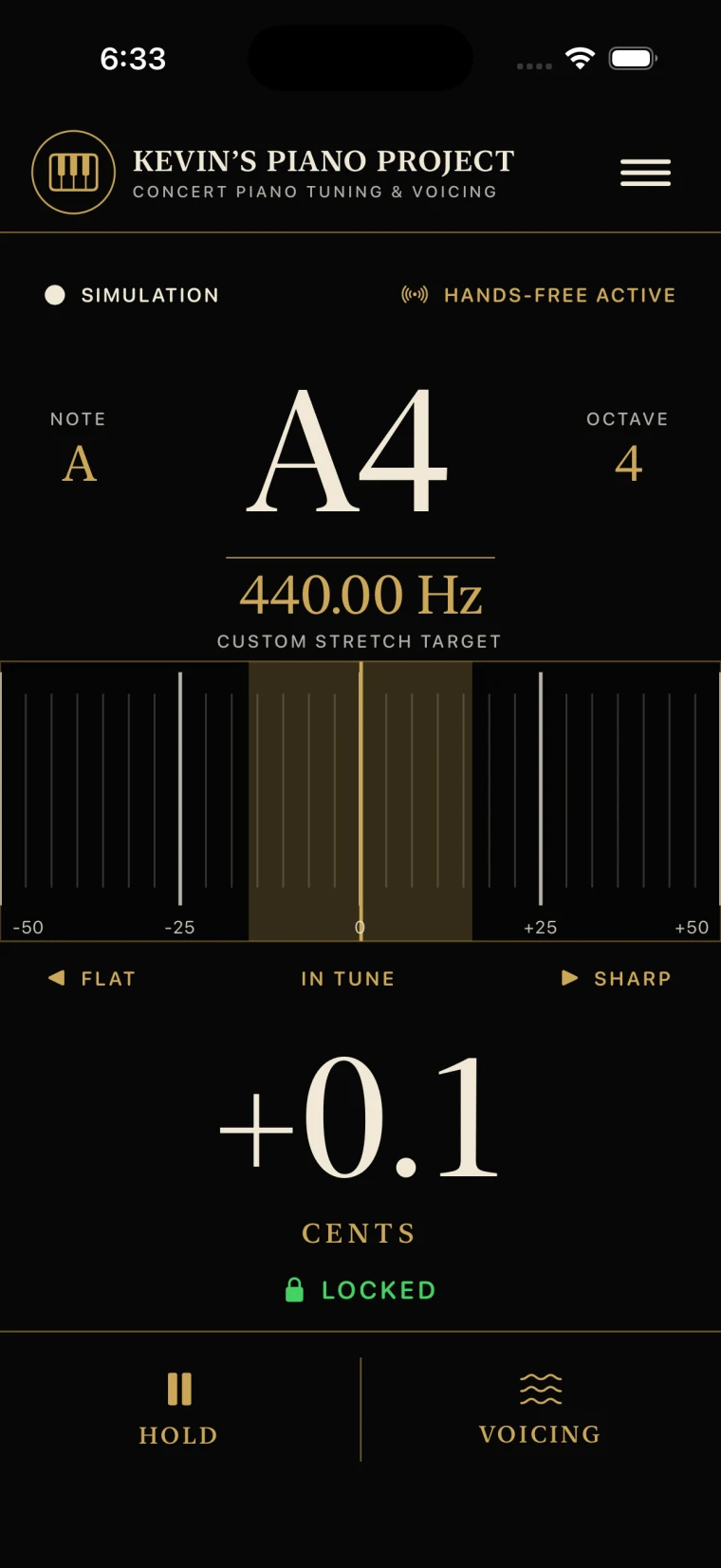
Kevin’s Piano Project measures the inharmonicity of real strings, turns isolated-note samples into an 88-key game plan, and guides the technician through tuning and voicing with evidence that stays readable at the instrument.
Capture qualified isolated-string anchors and let the app estimate the instrument’s inharmonicity instead of assuming a generic curve.
Generate measured and modeled targets across A0–C8, then choose Classical, Pop, or Jazz interval priorities.
Work key by key with lock state, auto-advance, unison stages, cent history, and controlled-strike voicing evidence.
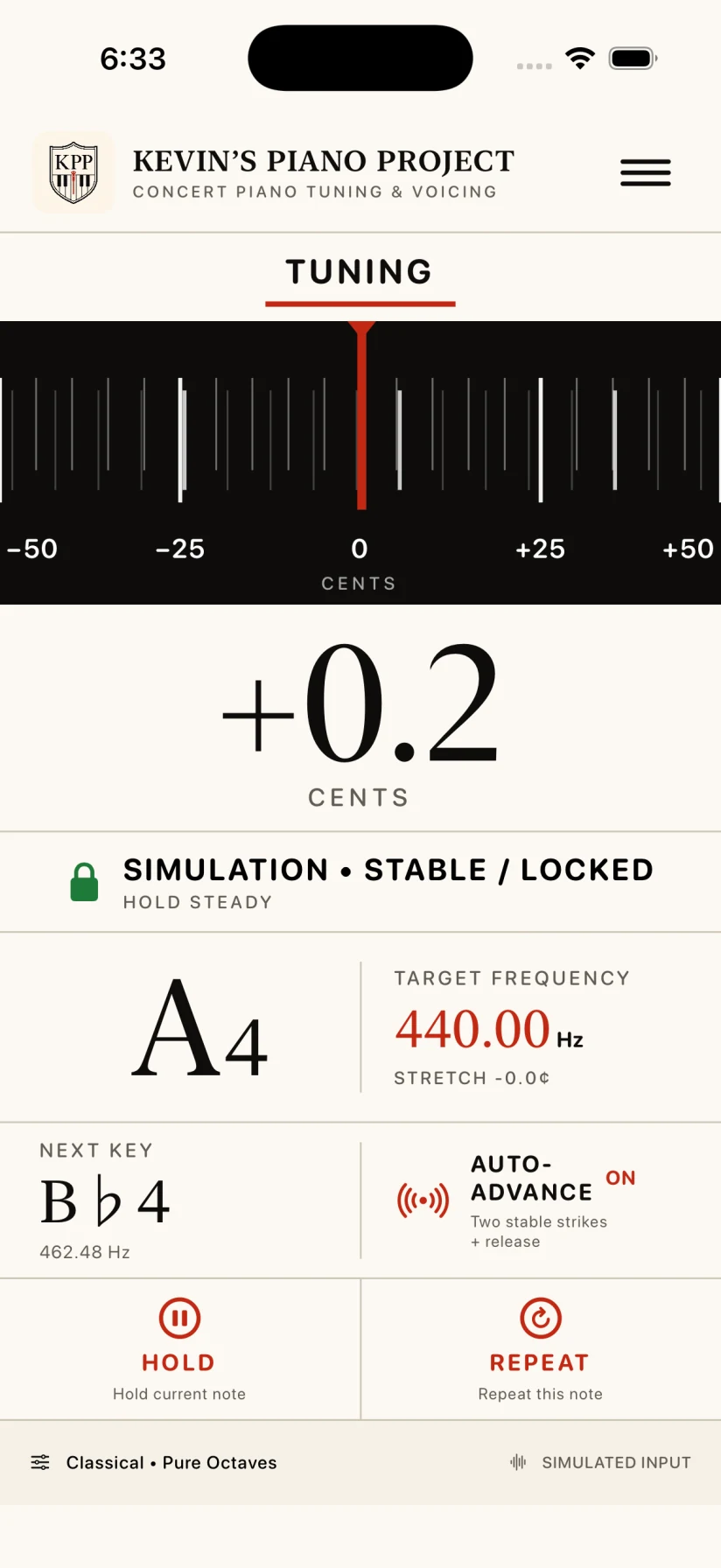
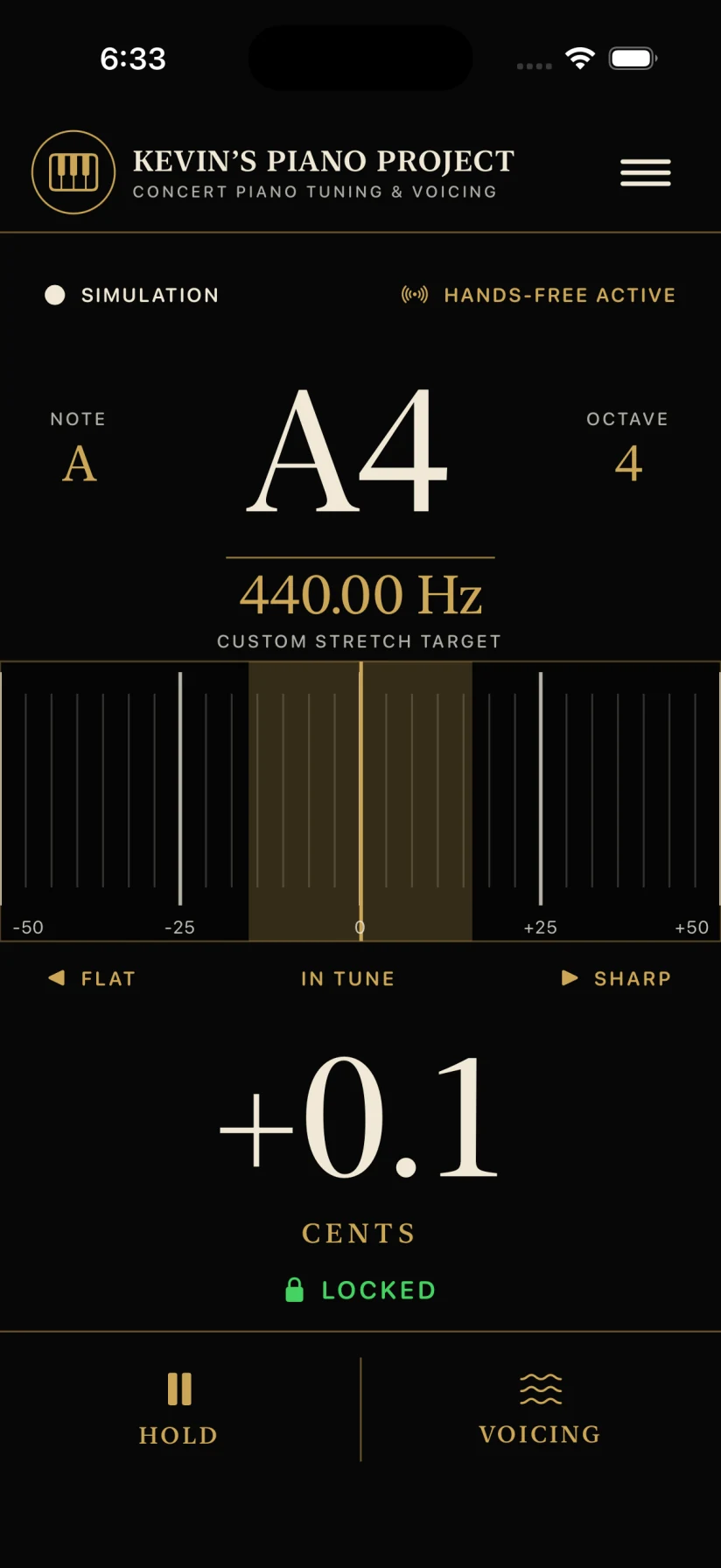
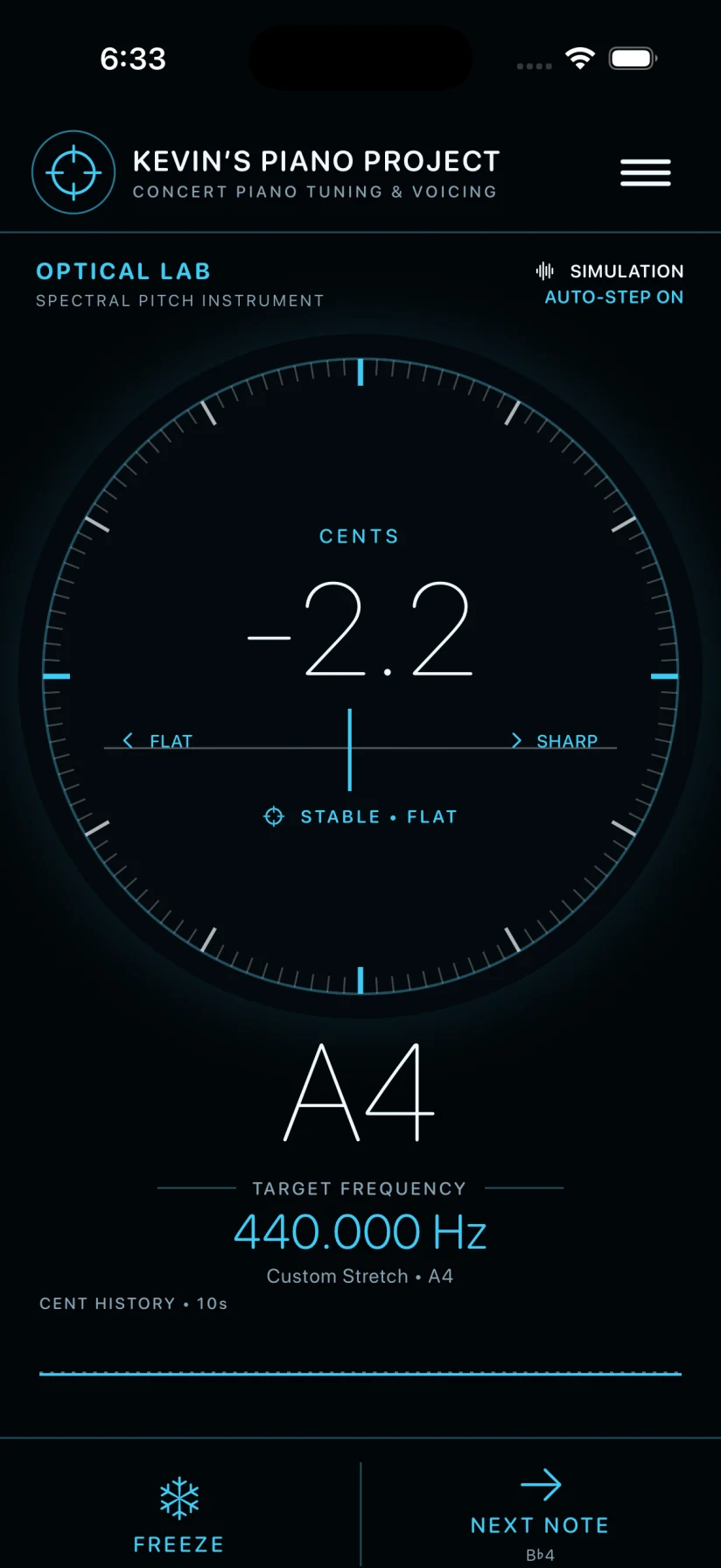
A professional 88-key tuning and voicing instrument with partial-aware pitch detection, piano sampling, custom stretch targets, hands-free progression, and three complete visual themes.
Analyze piano-string partials, estimate the true fundamental, and track cent deviation against the current custom target rather than a generic chromatic reading.
Capture isolated-string inharmonicity anchors, interpolate the piano scale, and solve interval-weighted targets for all 88 keys with disclosed provenance.
Auto-advance after two stable strikes and a release, move ascending or descending, hold, repeat, skip, resume, and work isolated-string and unison passes.
Compare partial balance, attack noise, decay, repeatability, neighboring notes, and suspected unison beating after three controlled strikes—without pretending to prescribe hammer-needle technique.
The iOS and Android editions are in active development. Store links will appear here when their public listings open.
Kevin’s Piano Project is designed as an on-device piano tuning and voicing instrument. It does not require an account and the inspected iOS and Android source does not include advertising, analytics, or tracking SDKs.
Microphone access is required to measure piano-string pitch, inharmonicity, partial balance, attack, and tonal decay. Audio is analyzed in memory on the device for the active tuning, calibration, or voicing workflow.
The app does not record microphone audio to a library, upload it to a Kevin’s Piano Project server, sell it, or share it for advertising or model training.
The app may store the selected visual theme, pianist style, A4 reference, auto-advance setting, tuning direction, tuning pass, current key, string-count overrides, unison stage, and captured inharmonicity anchors in local device preferences so a session can resume.
This session information stays on the device unless the operating system includes it in a backup that you control.
The core tuner does not require a network connection. The inspected Android manifest does not request Internet permission, and the inspected iOS source contains no network service for tuning, calibration, voicing, analytics, or accounts.
On iOS, the app requests microphone access with the explanation that it listens to piano strings to measure pitch, inharmonicity, and tonal decay. On Android, the app requests audio-recording access and may keep the screen awake during a working session.
Kevin’s Piano Project does not knowingly collect personal information from children or any other users because it does not operate a user-account or telemetry service.
If the released app’s data practices change, this policy and the relevant store privacy disclosures will be updated before the changed behavior is shipped.
For privacy questions, email solution7band@gmail.com.
Kevin’s Piano Project is being prepared for iOS and Android. This page will remain the public product, privacy, license, and support home as the store releases approach.
Reduce room noise, isolate the string when calibrating, strike consistently, move the microphone closer, and confirm the intended key. The app marks weak, stale, or degraded evidence instead of presenting it as a qualified reading.
Connect the interface before starting the session. If the route changes, reopen the listening session and confirm the input label. The iOS build prefers an available external input and reports the active route in the tuner.
Choose Ivory Workshop, Concert Instrument, or Optical Lab from the app menu. On supported devices, the Home Screen icon follows the selected theme.
Email solution7band@gmail.com with the device model, operating-system version, microphone or interface used, the current page, the note being measured, and a short description of what happened.
No separate custom EULA was found in the inspected Kevin’s Piano Project iOS or Android sources. The upcoming iOS release will use Apple’s Licensed Application End User License Agreement. Android end-user terms will be published before the Android release.
Read Apple’s Standard EULA