Bring the overlap
Drop in real photographs and inspect precision, focus consistency, metadata, and overlap strength.
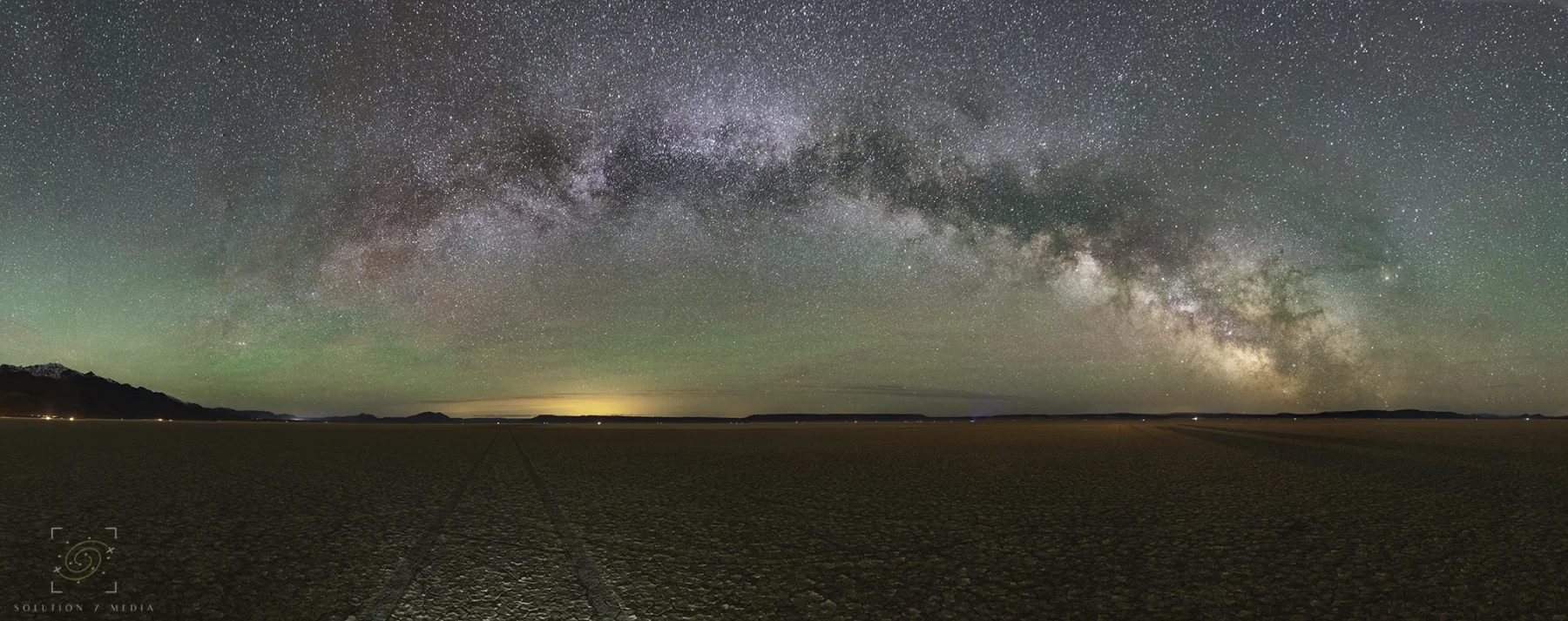
Turn overlapping photographs into seamless panoramas with source preflight, common-feature alignment, exposure and color matching, content-aware seams, projection control, and audited export.
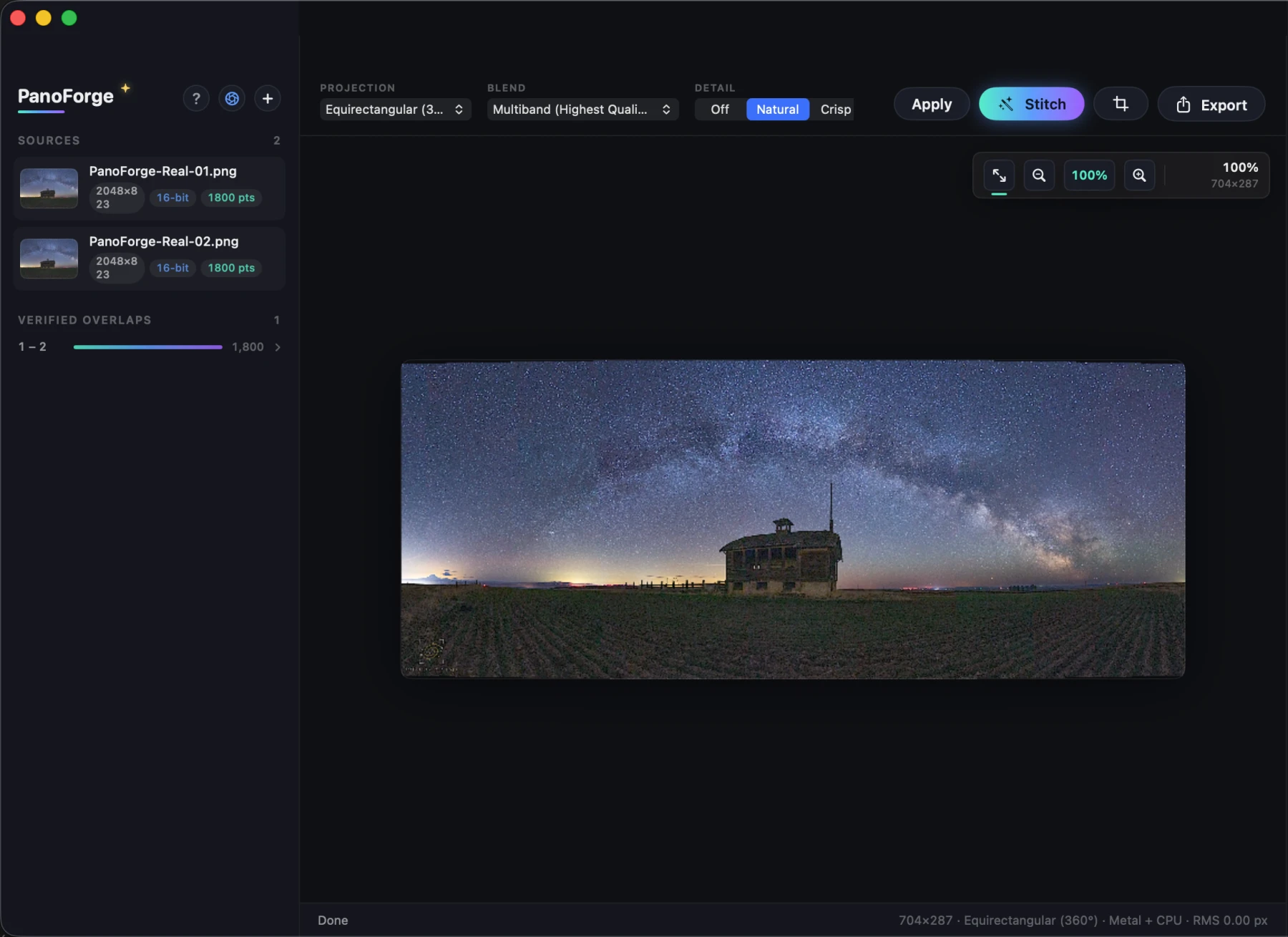
PanoForge aligns, balances, blends, projects, reviews, and exports in one Apple Silicon-first workspace. The luminous seam gradient marks the actions that matter; the photograph keeps the rest of the color.
Drop in real photographs and inspect precision, focus consistency, metadata, and overlap strength.
Align once, refine control points, match exposure and color, and choose the right projection and blend.
Confirm readiness, crop with intent, and export full-resolution work with optional proof and report sidecars.
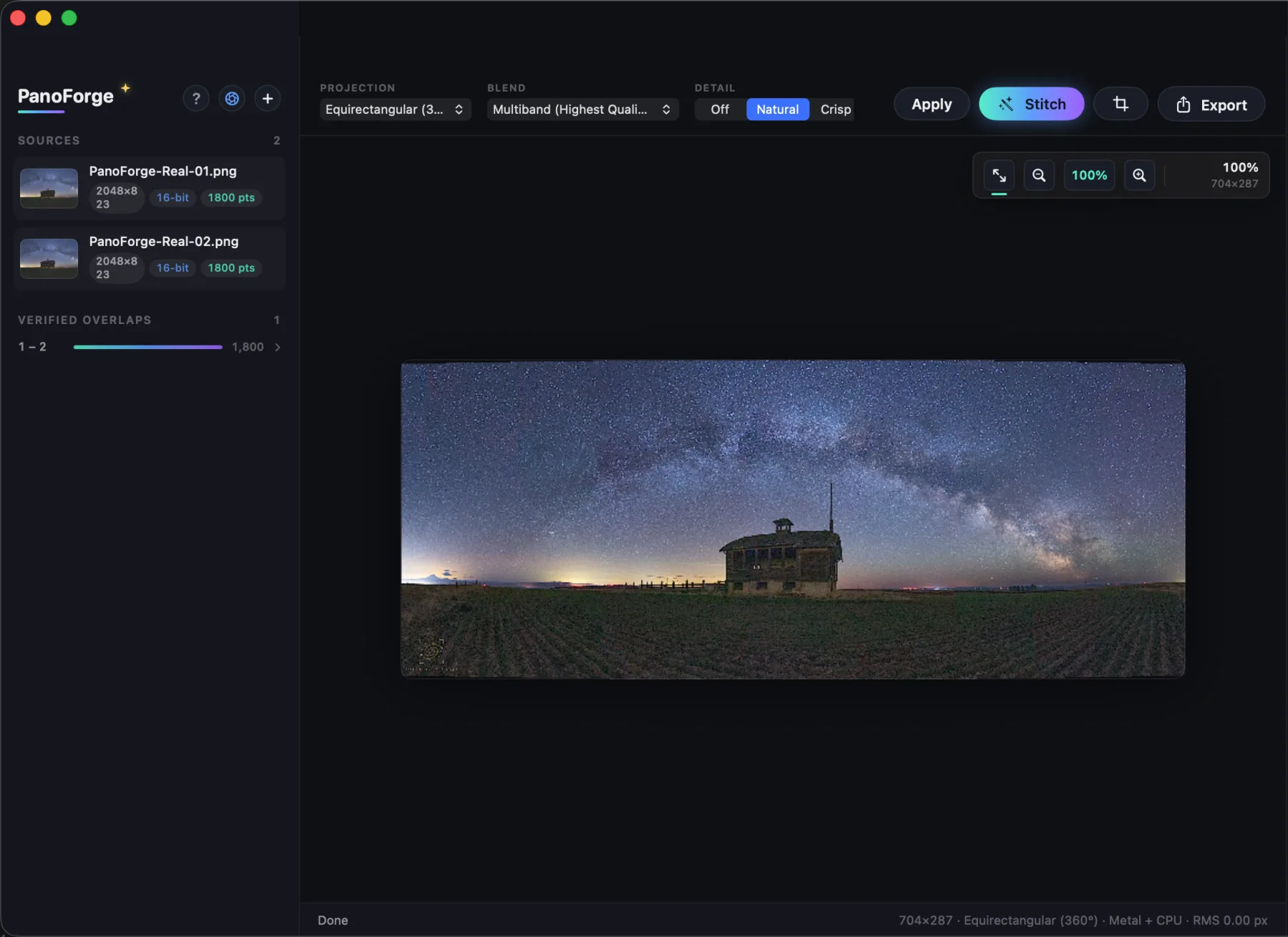
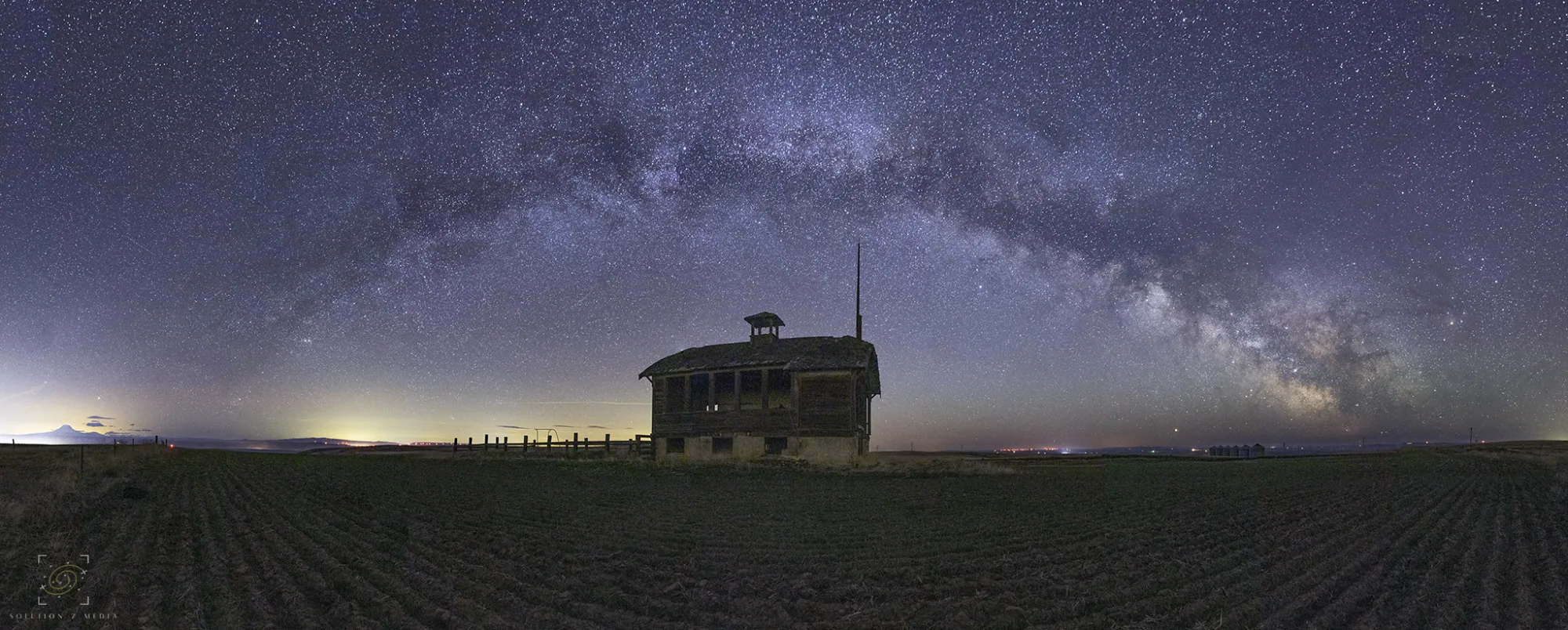
Turn overlapping photographs into seamless panoramas with source preflight, common-feature alignment, exposure and color matching, content-aware seams, projection control, and audited export.
Review decoded precision, RAW policy, focus consistency, overlap strength, residuals, tonality, clipping risk, and evidence completeness before delivery.
Use graph-cut ownership, subject-aware masks, multiband blending, exposure normalization, and radial lens-shading correction.
Solve rectilinear, cylindrical, equirectangular, Mercator, Panini, stereographic, and fisheye deliveries with crop-aware output.
Export EXR, TIFF, PNG, or JPEG with profile, compression, alpha, checksum, geometry, and source-audit evidence in JSON.
PanoForge is available for beta testing on macOS.
Apple Beta Testing Listing pending
PanoForge does not require an account. It does not include ads, analytics SDKs, or third-party trackers. The app does not upload your photographs, projects, exports, or review reports to us.
PanoForge is a native macOS panorama stitching app from Steven Smith / SmittyPNW.art. This policy explains what the app does and does not do with your information.
We do not collect personal information through PanoForge. The app has no account system, no developer-operated cloud account, no advertising network, and no analytics service.
PanoForge processes the images you choose on your Mac. Imported photos, generated previews, exported panoramas, and optional .panoforge-report.json sidecar files are stored only where you choose to keep them. They are not sent to SmittyPNW.art.
When you open or export files, macOS asks you to choose the files or destination folders. PanoForge uses that access only to read the selected source images and write the exports or reports you request.
PanoForge is designed to run without a network account. Standard App Store services may handle purchase, download, update, crash, and diagnostic information according to Apple's own terms and privacy policy.
If you email support, we receive the information you choose to send, such as your message, email address, screenshots, or sample files. We use support messages only to answer you, diagnose problems, and improve the app.
PanoForge is not directed at children under 13 and does not knowingly collect information from anyone.
If this policy changes, we will update the date at the top of this page.
Questions about this privacy policy? Email support@shutterscoutapp.com.
Support, FAQ, and contact information for the native macOS panorama stitcher.
PanoForge turns overlapping photographs into a seamless panorama on your Mac, with one-click alignment, exposure balancing, multiband blending, projection controls, full-resolution export, and optional review reports.
Questions, bugs, or feature ideas? Email support@shutterscoutapp.com. Include your macOS version, PanoForge version, and a short description of what happened.
Read the PanoForge Privacy Policy for details about local processing and file handling.
PanoForge does not use a separate custom license. It is offered under Apple’s Licensed Application End User License Agreement.
Read Apple’s Standard EULA