Read the sequence
Import a still-image folder and measure luminance, clipping, detail, metadata, and scene changes.

Import RAW, DNG, JPEG, PNG, or TIFF frames. Smart Analyze, Curve Forge, stabilization, Holy Grail smoothing, transitions, and multipass deflicker prepare the final render.
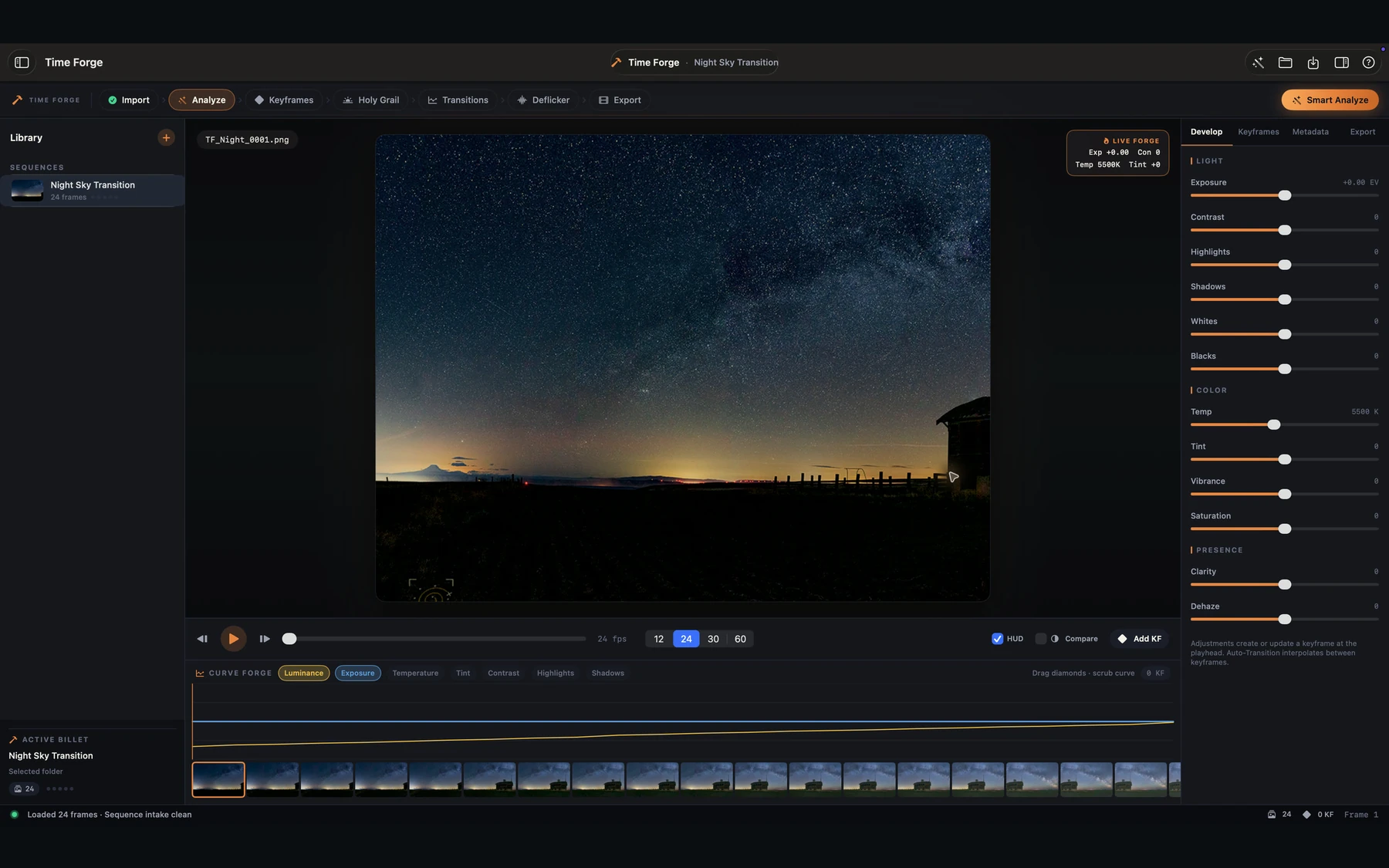
Time Forge reads the entire sequence before you render. Smart Analyze finds the shape of the light, Curve Forge turns it into editable intent, and the delivery pipeline preserves your sources while producing professional video and evidence beside the export.
Import a still-image folder and measure luminance, clipping, detail, metadata, and scene changes.
Place keyframes, interpolate the look, smooth Holy Grail transitions, stabilize, and deflicker.
Render image sequences or H.264, HEVC, HDR, and ProRes video with a local audit manifest.
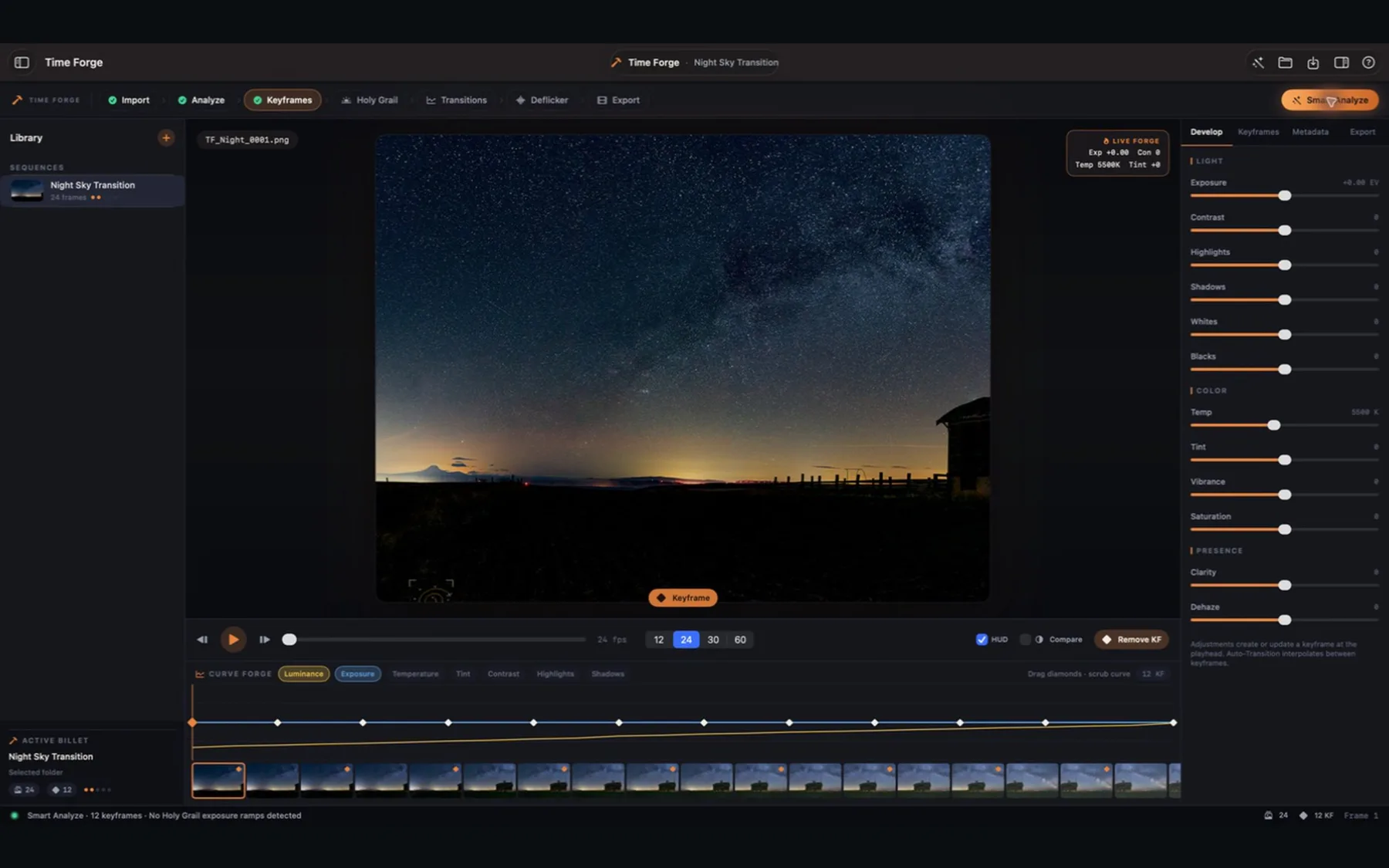
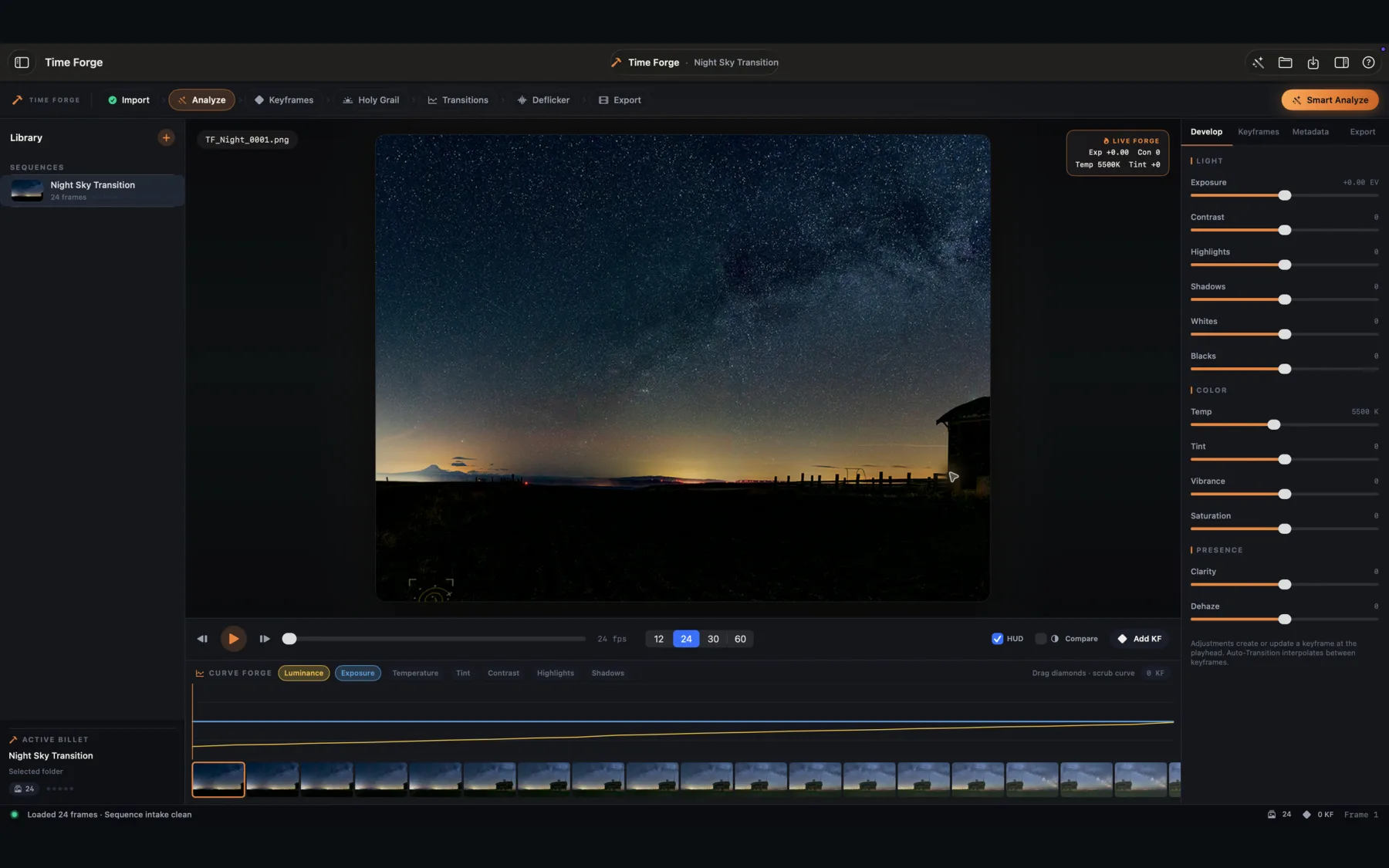
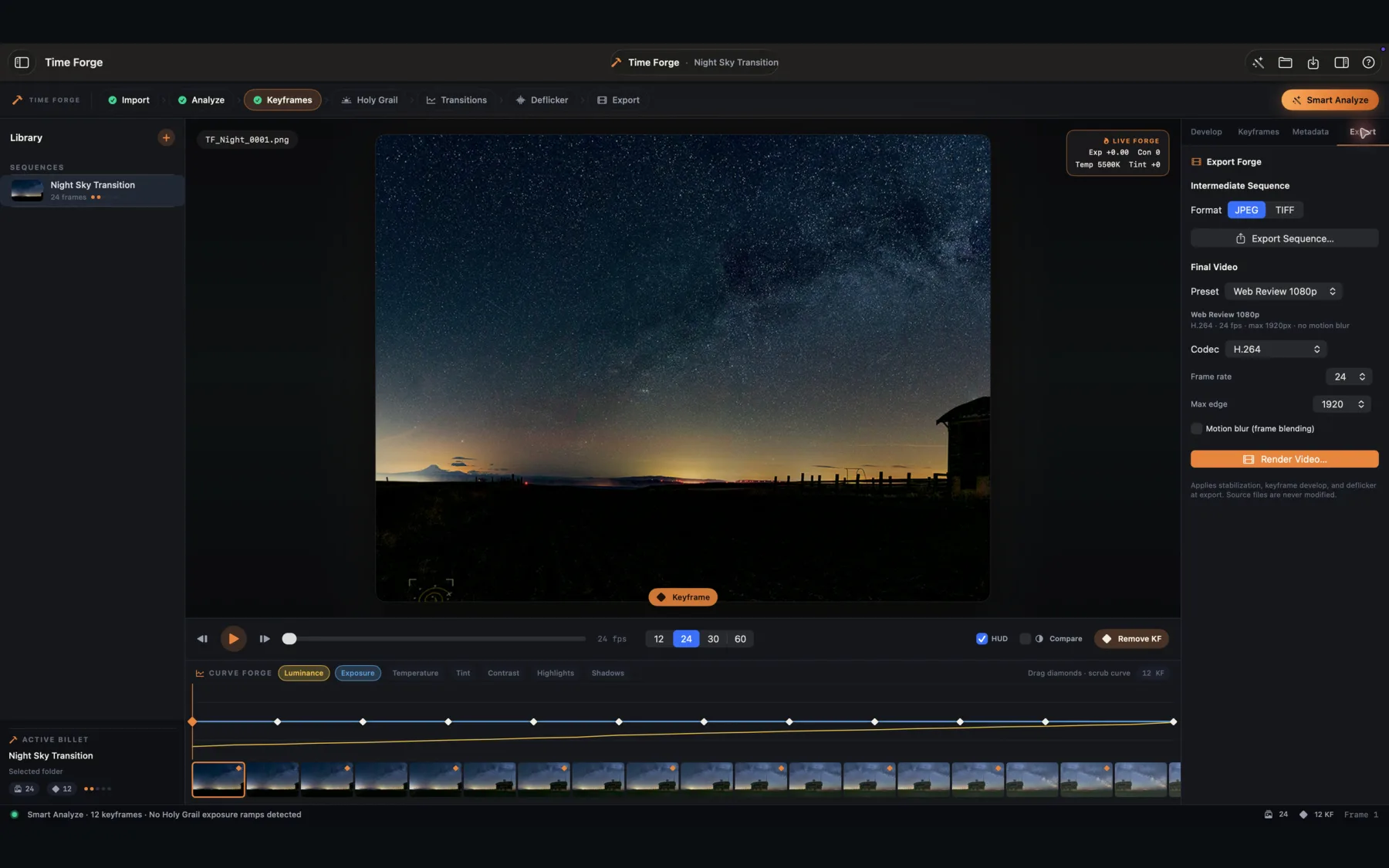
Import RAW, DNG, JPEG, PNG, or TIFF frames. Smart Analyze, Curve Forge, stabilization, Holy Grail smoothing, transitions, and multipass deflicker prepare the final render.
Luminance curves, keyframe markers, intake diagnostics, clipping checks, detail analysis, and metadata keep the whole sequence legible.
Develop supported camera RAW files, refine an interpolated look, and export image sequences or professional video formats.
Smooth day-to-night exposure steps, stabilize motion, apply transitions, and run residual deflicker against measured frames.
Write a local JSON manifest with render settings, performance evidence, output details, and compressed-bitstream measurements.
Time Forge is available to public beta testers through TestFlight.
Open TestFlight Listing pending
Time Forge is designed to process your images locally on your Mac.
Time Forge does not collect personal data, usage analytics, diagnostics, identifiers, advertising data, or purchase history. It includes no account system, ads, tracking SDK, or developer-operated backend.
The app accesses only files and folders you select through standard macOS file panels. Processing occurs locally. Original source images are never modified.
When you export, Time Forge can write a JSON manifest beside the output. It contains local render settings, measured processing evidence, and source/output paths so you can audit the job. The manifest is not transmitted by Time Forge.
Time Forge does not send your files or app activity over the network.
If you voluntarily use the support form on this website, Netlify processes the name, email address, subject, and message you provide so the developer can respond. This website support data is not collected by the Time Forge app and is used only to provide support.
For privacy questions, email support@shutterscoutapp.com.
If the app's data practices change, this policy and the App Store privacy disclosure will be updated before that version is distributed.
Time Forge includes a complete in-app help browser. Open it from Help > Time Forge Help or the question-mark button in the toolbar.
Time Forge accepts common camera RAW formats supported by the installed macOS decoder set, including DNG, CR2/CR3, NEF, ARW, ORF, RW2, RAF, PEF, and SRW, plus JPEG, PNG, and TIFF.
Confirm that the folder contains sequential supported images and that macOS can read the camera model's RAW format. The Metadata inspector reports skipped, unreadable, duplicate, and missing-index intake issues.
Keep the selected destination writable and leave enough free space for all frames. A cancelled or failed job removes only artifacts created by that job. Source files are never modified.
The first beta is Time Forge 0.3.0 (7), requiring macOS 14 or later on Apple silicon or Intel Macs.
For beta feedback, you can also use Send Beta Feedback in TestFlight. For direct help, email support@shutterscoutapp.com or send the form below. Include your macOS version, camera format, and the step that failed; do not attach private source images.
Time Forge is offered under Apple’s Standard License Agreement.
Read Apple’s Standard EULA