Choose your path
Run One-Click Magic, follow Guided Wizard, or open the complete Pro Manual bench.
Stack, stitch, and finish astrophotography with One-Click Magic, Guided Wizard, Pro Manual controls, local AI review, and high-bit-depth export.
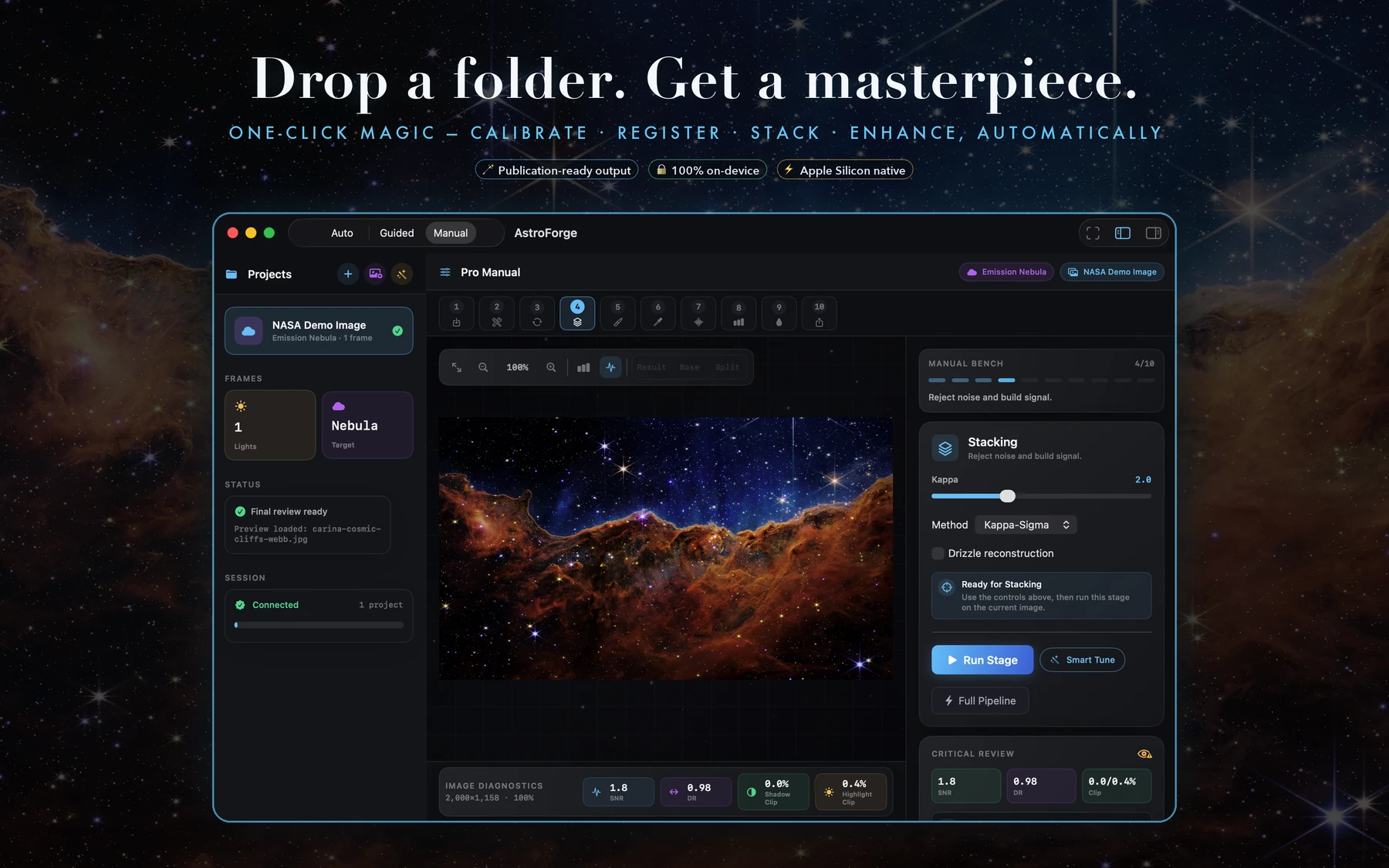
AstroForge brings calibration, registration, stacking, panorama stitching, star work, local guidance, and high-bit-depth delivery into one Mac-native workspace. Start automatic, work step by step, or take the controls yourself.
Run One-Click Magic, follow Guided Wizard, or open the complete Pro Manual bench.
Calibrate, register, reject noise, stack, and inspect the result with astronomy-focused tools.
Stretch, separate stars, reduce noise, stitch astro panoramas, and export reusable layers.
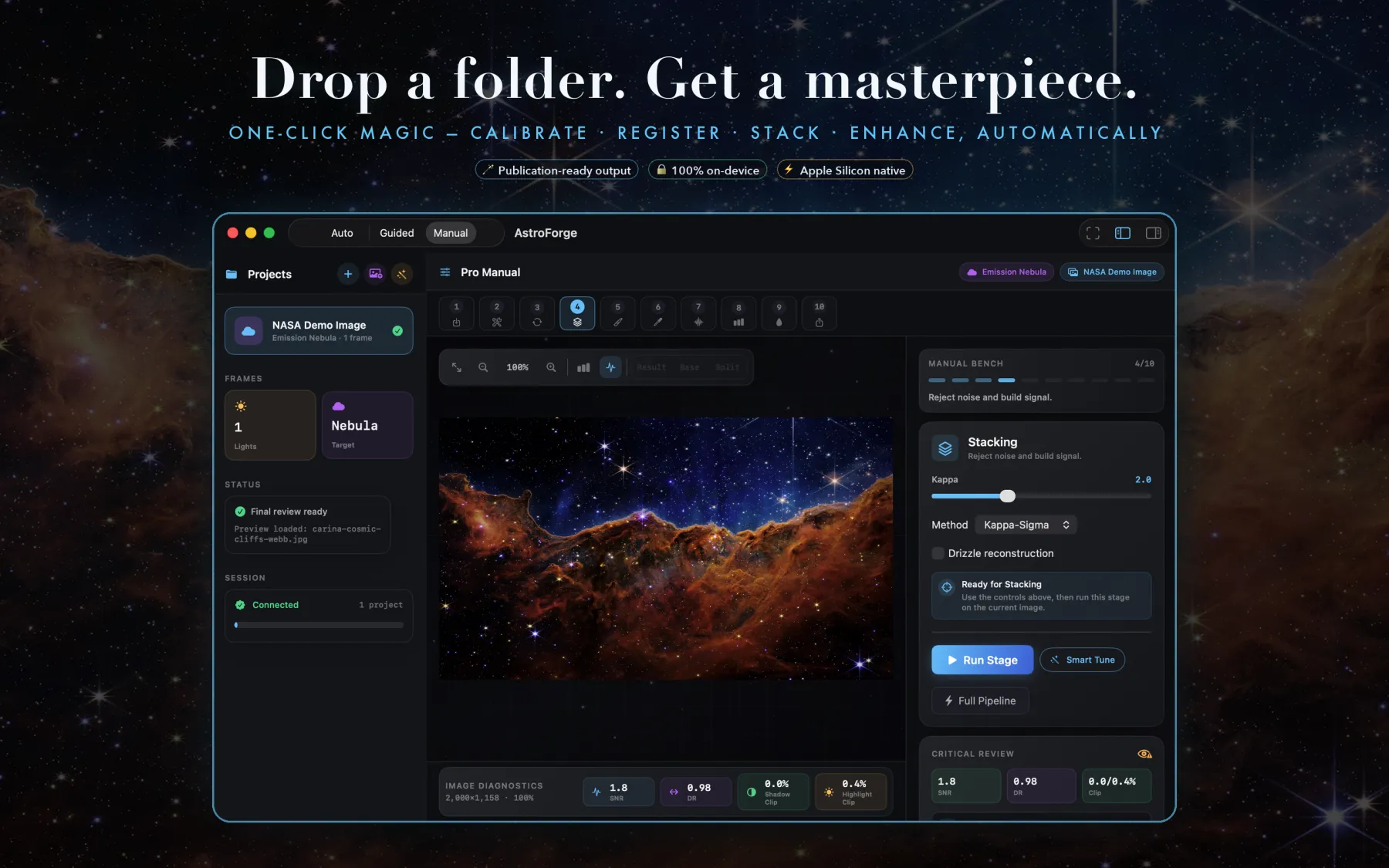
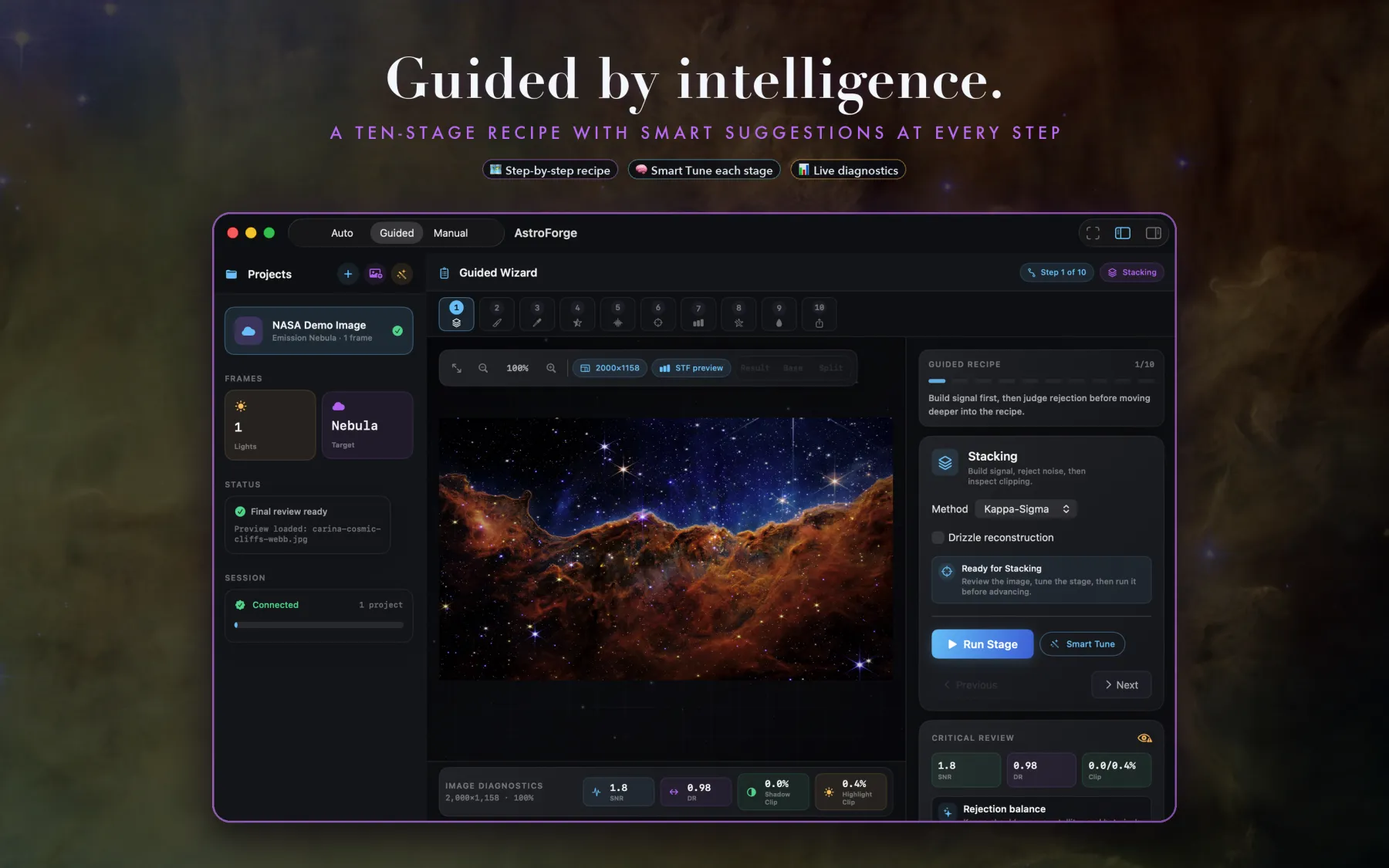
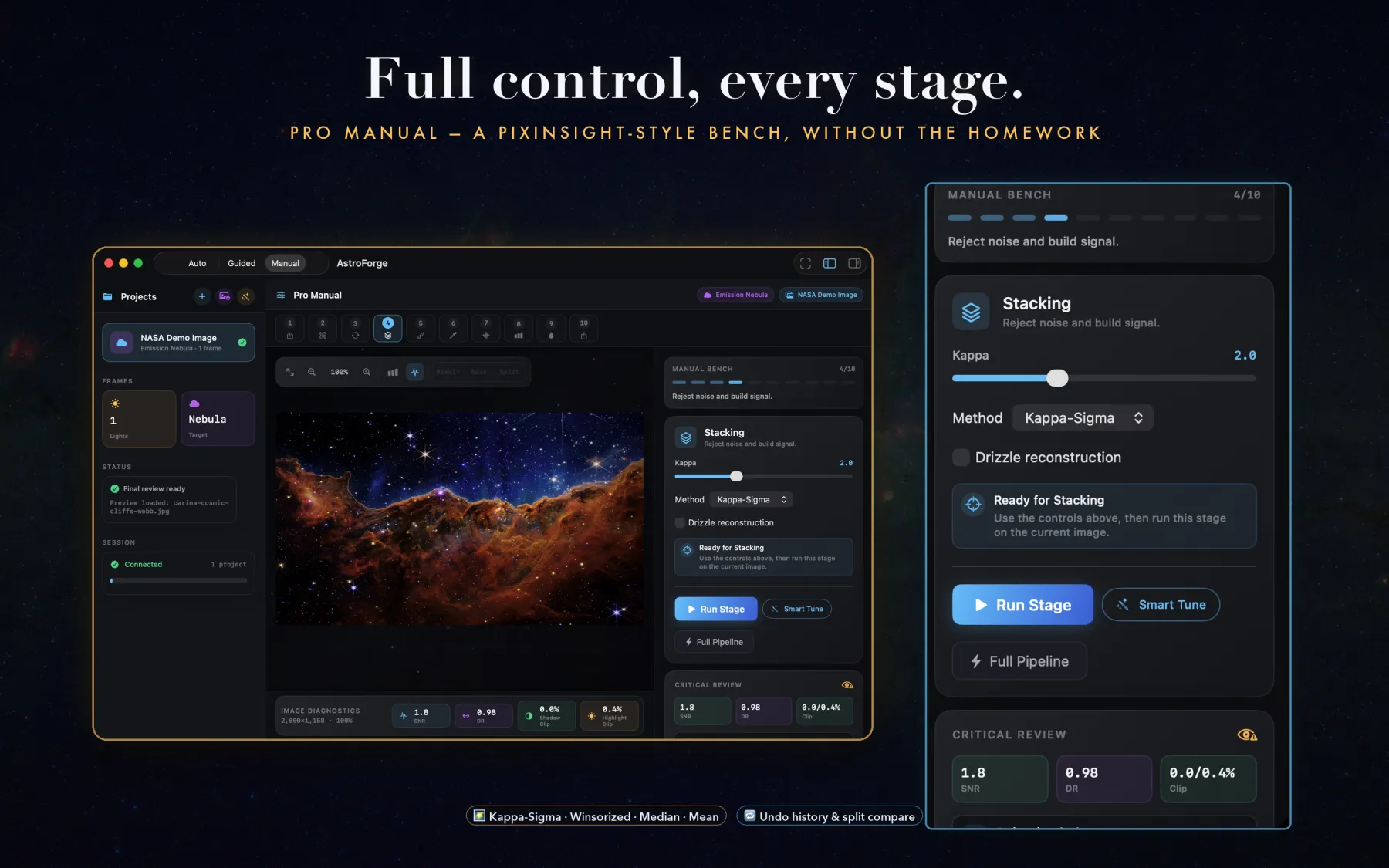
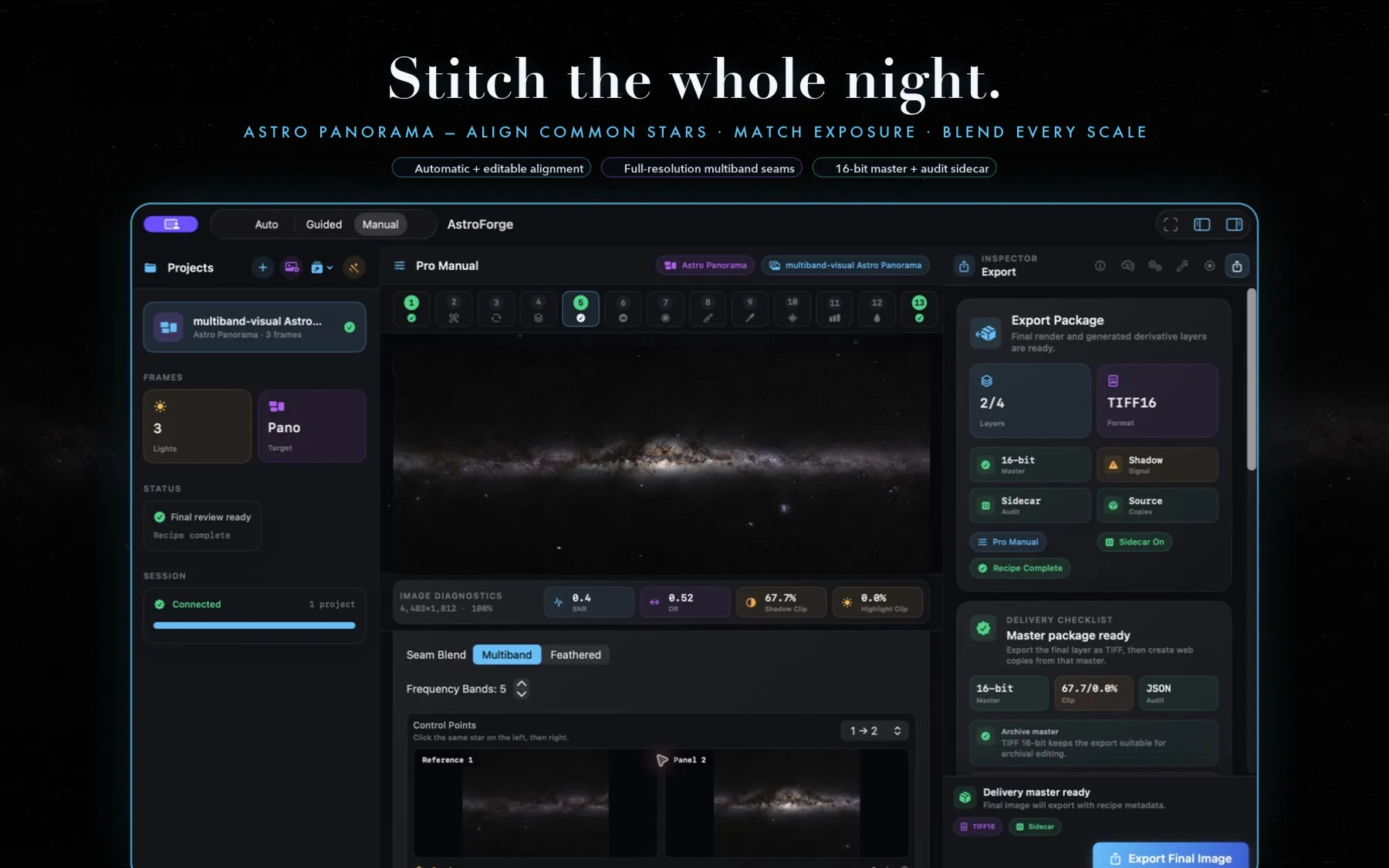
Stack, stitch, and finish astrophotography with One-Click Magic, Guided Wizard, Pro Manual controls, local AI review, and high-bit-depth export.
Run a complete target-aware recipe, move stage by stage in Guided Wizard, or take deeper control in Pro Manual.
Import FITS, XISF, camera RAW, TIFF, PNG, JPEG, and HEIC images, then classify lights, darks, flats, and bias frames.
Stitch multi-row nightscapes with common-star alignment, editable control points, exposure matching, multiband seams, and projection controls.
Use built-in heuristic guidance offline or connect a local, user-configured provider such as Ollama or MLX.
AstroForge is open to public beta testers through TestFlight.
Open TestFlight Listing pending
AstroForge is a Mac app for processing astrophotography images. The app is designed around local files, local processing, and user control.
AstroForge does not collect personal data for the developer.
AstroForge does not track you across apps or websites. AstroForge does not sell data. AstroForge does not use third-party advertising SDKs or analytics SDKs.
AstroForge opens only the files and folders you choose. Those files may include astronomy images, camera RAW files, FITS or XISF files, calibration frames, exported images, and optional JSON sidecars.
Your project files and image outputs stay on your Mac unless you choose to save, export, copy, upload, or share them outside AstroForge.
AstroForge can connect to local or user-configured AI providers, such as Ollama or MLX. When you use those features, prompts and image-derived context may be sent to the provider endpoint you configured. By default, Ollama is expected to run on your own Mac at http://localhost:11434.
AstroForge also includes built-in heuristic guidance that works without an AI server.
AstroForge may show recommended local model installation commands. If you choose to run a model download or installation, that download is handled by the relevant tool or service, such as Ollama, Python, MLX, or a model host. Those services have their own terms and privacy practices.
For App Store privacy labels, AstroForge is intended to be listed as:
This summary assumes the app is used as designed: local image processing with optional user-configured local AI providers.
For support or privacy questions, email support@shutterscoutapp.com.
AstroForge is currently preparing for TestFlight beta testing.
Email support@shutterscoutapp.com with your macOS version, the image formats you were processing, and a short description of what happened. For beta builds, you can also use Send Beta Feedback in TestFlight.
AstroForge does not use a separate custom license. It is offered under Apple’s Licensed Application End User License Agreement.
Read Apple’s Standard EULA