Start with intent
Describe the genre, emotional arc, instrumentation, voice, and the moment the song should create.

Novello combines expert prompt direction, four distinct music engines, structured lyrics, version control, and integrated mastering in one premium iPhone studio.
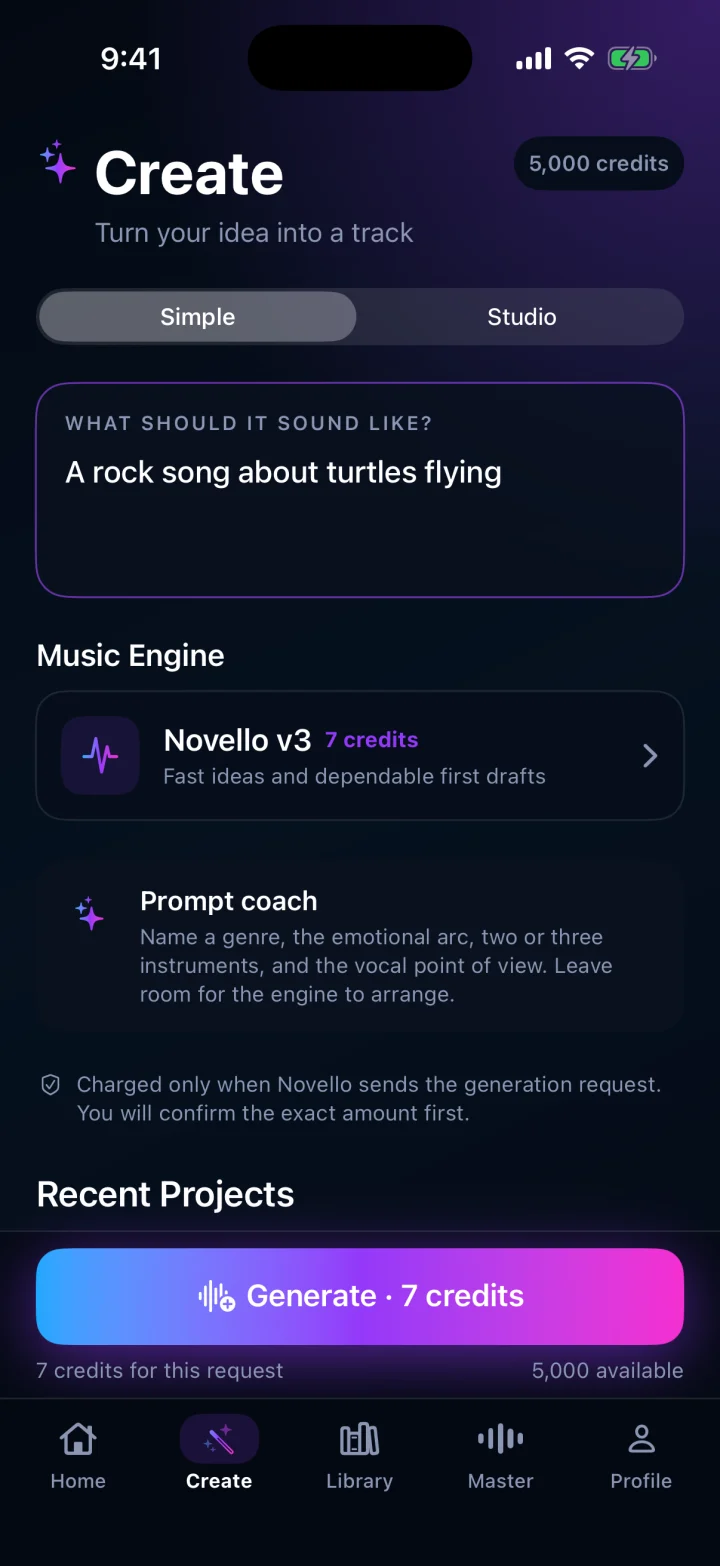
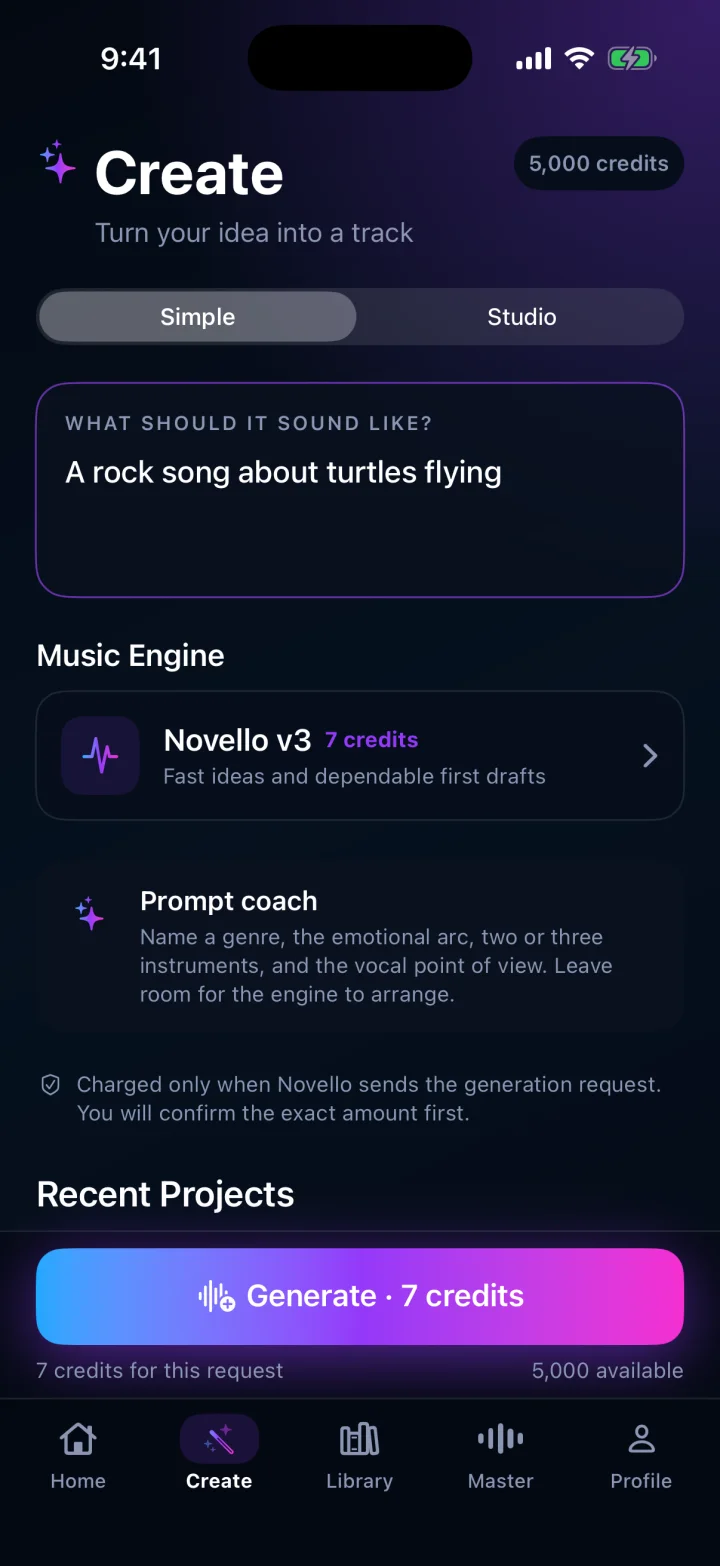
Novello turns musical intent into a structured brief before generation begins. Simple mode keeps the first draft fast. Studio mode opens lyrics, arrangement, duration, and engine-specific controls. Every request shows its exact credit cost before you commit.
Describe the genre, emotional arc, instrumentation, voice, and the moment the song should create.
Choose Novello v3, MiniMax Music 3, ElevenLabs Music, or Lyria 3 Pro and review the exact credit cost before the request is sent.
Listen, scrub, save, share, compare versions, and move a keeper directly into the integrated Master workspace.
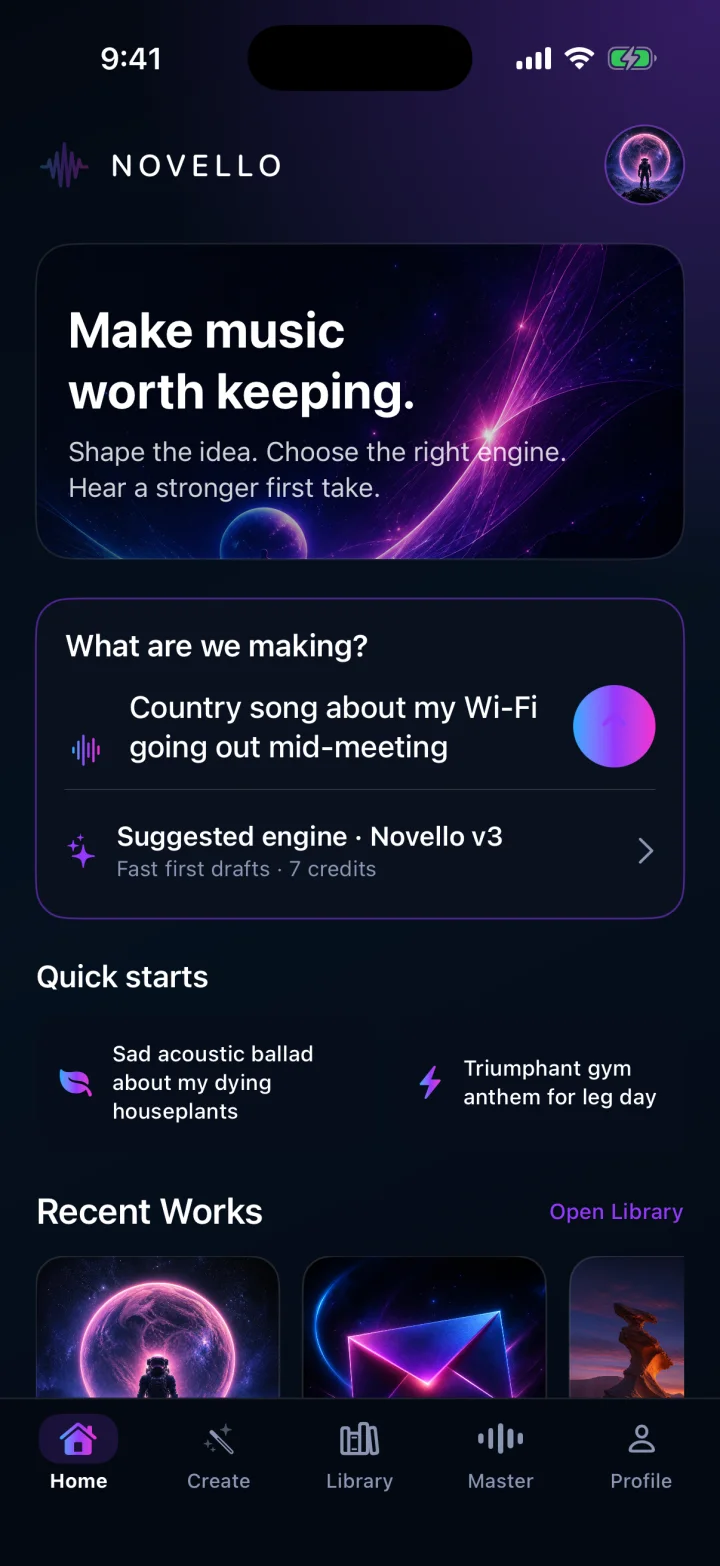
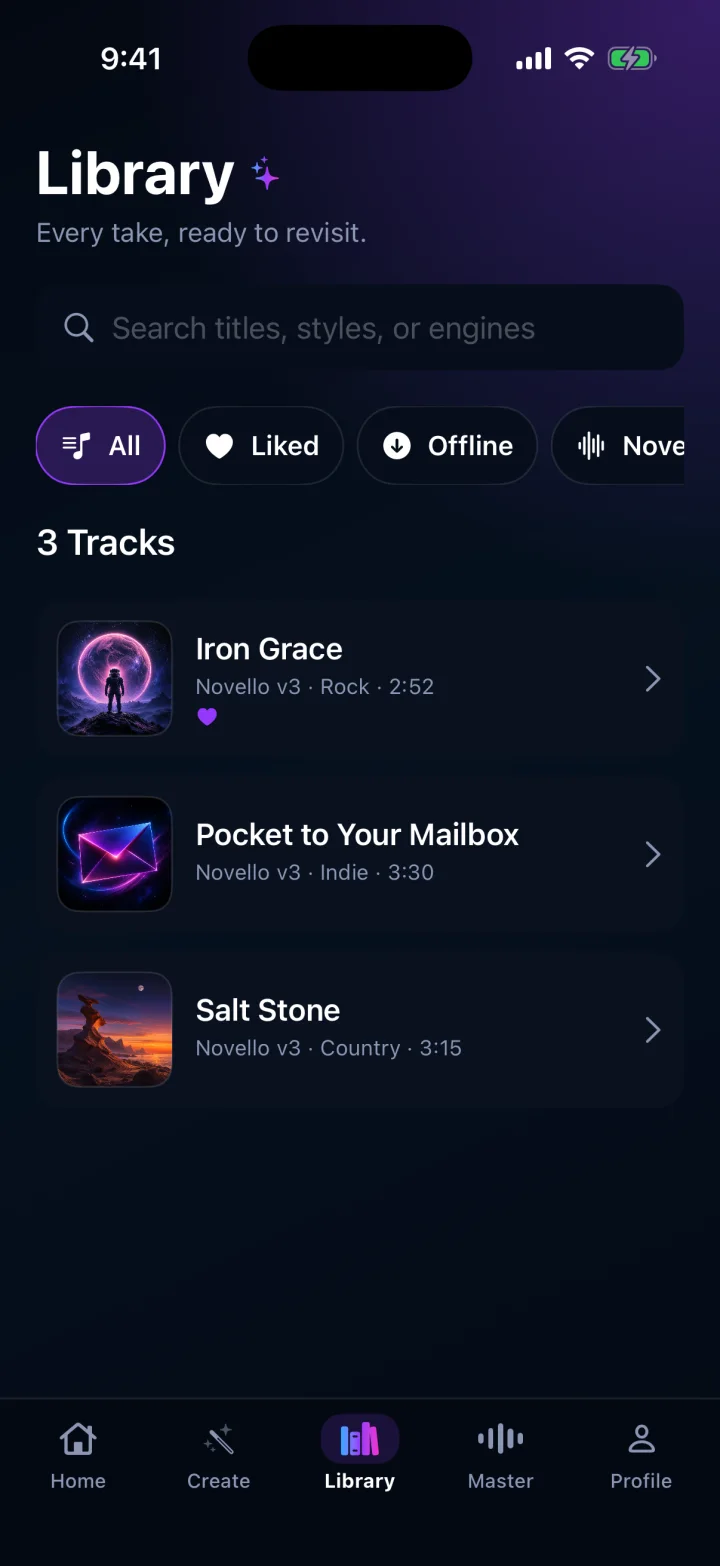
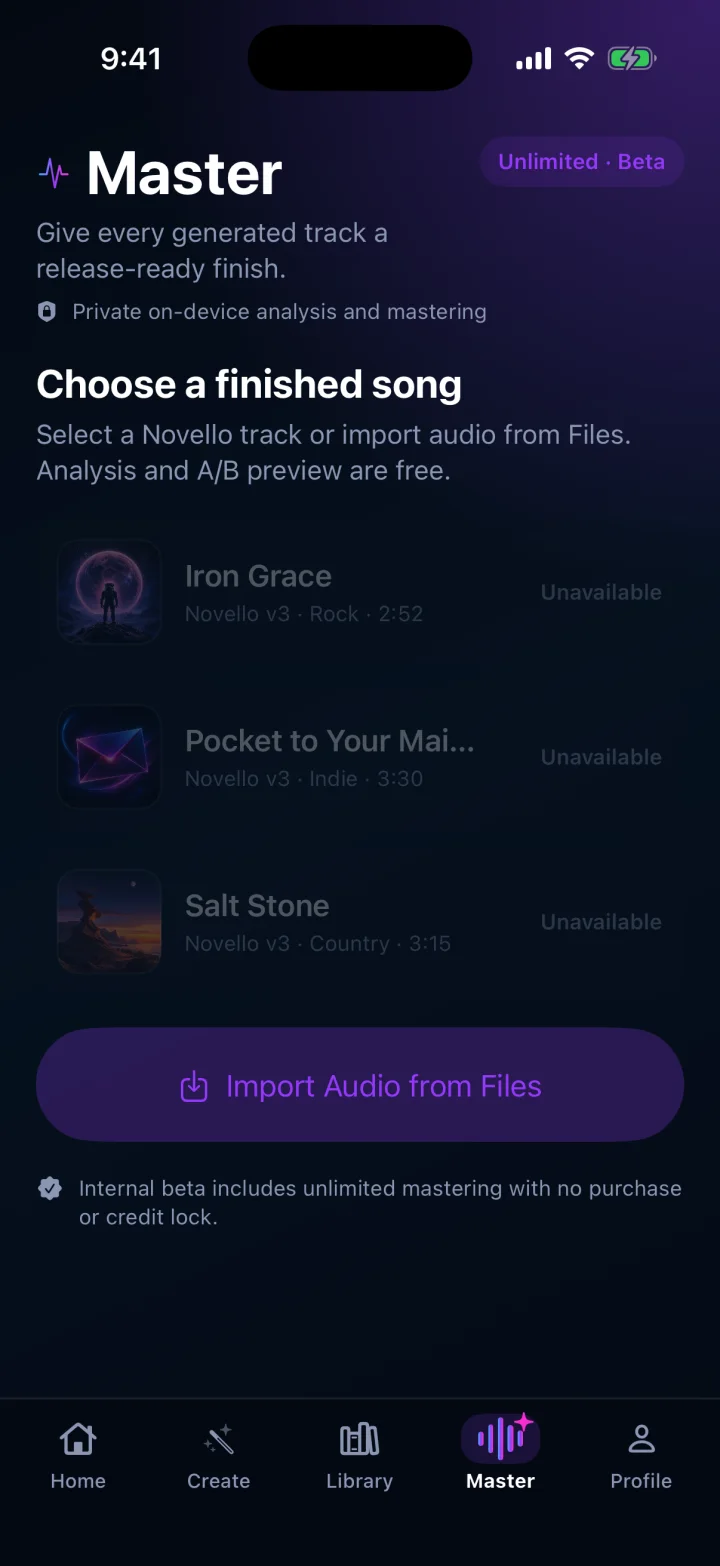
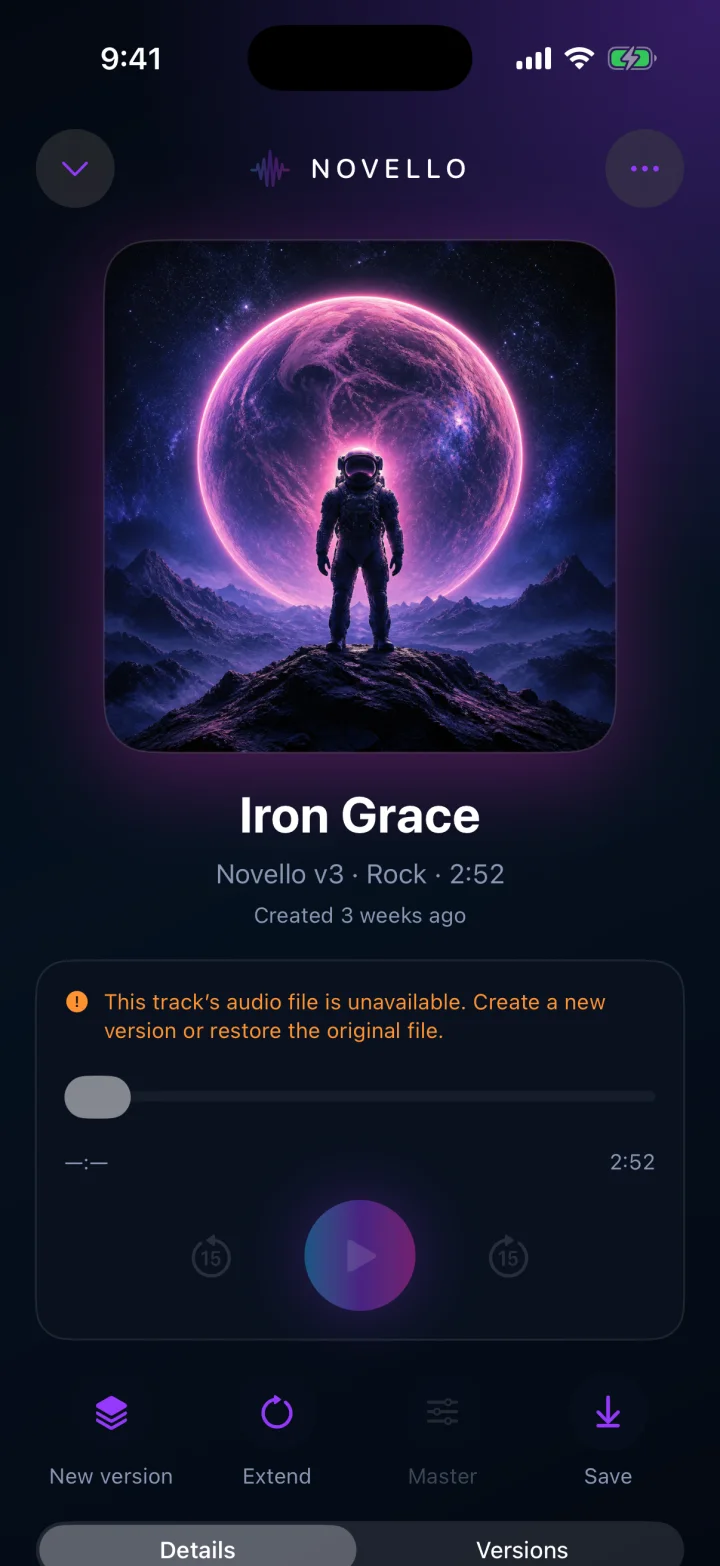
Novello combines expert prompt direction, four distinct music engines, structured lyrics, version control, and integrated mastering in one premium iPhone studio.
Each engine gets controls and prompt guidance shaped around what it does best, without making you learn four different products.
Use automatic lyrics, write your own, or create an instrumental. Verse, pre-chorus, chorus, and bridge structure stays visible and editable.
Stream, scrub, save offline, share, and keep alternate generations together so a promising song never gets lost in the reruns.
Move a generated or imported track into Master, compare the result, render it, and export the finished audio without leaving Novello.
Novello is currently available only to invited internal TestFlight testers. A public App Store listing is being prepared; there is no public download link yet.
Apple Beta TestingAndroid Beta Testing Listing pending
Novello is an iPhone app for creating, organizing, playing, and mastering AI-generated music. This policy explains what leaves your device when you ask Novello to generate audio and what remains local.
When you tap Generate and confirm the request, Novello sends the prompt, selected styles, lyrics or instrumental choice, engine selection, and generation settings to the Novello service. The service sends the request to the selected music-generation provider and returns its status and resulting audio.
Generation cannot happen entirely on your iPhone. Do not place confidential information, personal data, or material you do not have the right to use in a prompt or lyrics.
Your Novello Library, prompt and lyric metadata, saved audio, playback state, and mastering work are stored on your device. Generated audio may be streamed from a temporary remote URL before you save it locally.
Novello sends a file outside the app only when you choose an export, share, or save action. If you save media to Photos, iOS asks for permission to add that item to your photo library.
Novello uses Apple App Attest and device-scoped service records to protect generation access, prevent replay or abuse, and maintain the beta credit balance. These records are operational security data; they are not used for advertising or cross-app tracking.
Music-generation credentials are kept on Novello's server and are not included in the app. Network requests use the Novello service so provider keys are not exposed on the device.
Novello does not include advertising, third-party marketing trackers, or a developer-operated analytics profile. Solution 7 Media does not sell personal information.
For privacy or data questions, email Support@solution7media.com.
A strong prompt gives the engine a musical destination without prescribing every second. Start with genre and emotional arc, add two or three defining instruments, describe the vocal point of view, then include tempo, era, or arrangement only when it matters.
Choose Auto Lyrics when you want Novello to develop the story, Custom Lyrics when the words matter, or No Lyrics for an instrumental. For custom lyrics, use short bracketed section labels such as [Verse], [Pre-Chorus], [Chorus], and [Bridge].
Novello shows the exact credit cost before a generation request is sent. Credits are charged when the request is accepted for provider submission. If you cancel after submission, or the upstream generation later fails after it has been billed, those credits are not returned. A validation error that prevents submission is not charged.
The internal TestFlight beta is unlocked for invited testers with a 5,000-credit test balance and unlimited Master. The retail membership and credit-pack structure below is the planned launch pricing; purchases remain disabled during internal testing.
Every active membership includes unlimited Master exports. Monthly credits reset on the renewal date and do not roll over. Novello spends monthly credits before purchased credits so long-lived balances are preserved.
Purchased credits never expire. They can supplement any membership or be used without one. Without an active membership, each Master export costs 20 credits.
These conservative examples use the current default quote for a complete three-minute generation: Novello v3 costs 7 credits, MiniMax Music 3 costs 37, ElevenLabs Music costs 181, and Lyria 3 Pro costs 9. The confirmation sheet always shows the live price before submission; duration and options can change the total.
Open Master from the tab bar or use the mastering action on a completed song. Master works with real generated or imported audio; sample artwork without an audio file cannot be mastered. Compare the processed and original versions before rendering, then export the finished file with the system share sheet.
For beta feedback, use Send Beta Feedback in TestFlight or email Support@solution7media.com. Include your iPhone model, iOS version, Novello build number, selected engine, approximate request time, and any visible error message.
Novello does not use a separate custom license. It is offered under Apple's Licensed Application End User License Agreement, which governs use of the app.
Read Apple’s Standard EULA