Bring your base edit
Open a photo from your library or files on iPhone, iPad, or Mac. RAW, TIFF, PNG, JPEG, and HEIC are supported.
The finishing pass for iPhone, iPad, and Mac that comes after your base edit: star-safe noise reduction, multi-scale star reduction, dust-lane contrast, and physically-grounded diffraction spikes.
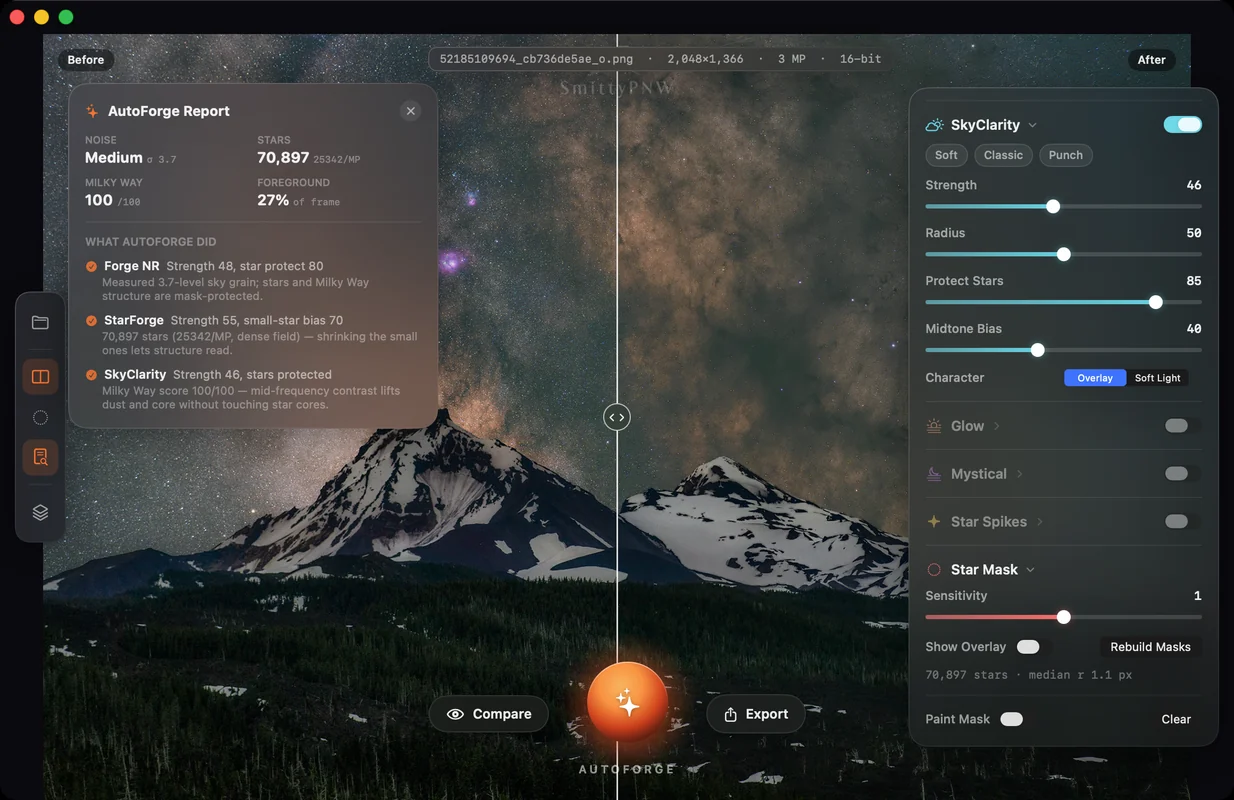
SkyForge is not a RAW developer and not a stacking suite. It is the final forge on iPhone, iPad, and Mac. Open your base edit, run AutoForge, and it measures noise at native resolution, counts stars, scores Milky Way structure and foreground, then applies a tailored finish — and tells you in plain English what it did and why. Every slider stays live and non-destructive underneath.
Open a photo from your library or files on iPhone, iPad, or Mac. RAW, TIFF, PNG, JPEG, and HEIC are supported.
SkyForge measures the frame, applies a tailored finish, and reports the noise level, star count, Milky Way score, and every strength it chose.
Work Forge NR, StarForge, and SkyClarity by hand, add Glow, Mystical, or Star Spikes, then export 16-bit TIFF for archive or JPEG to publish.
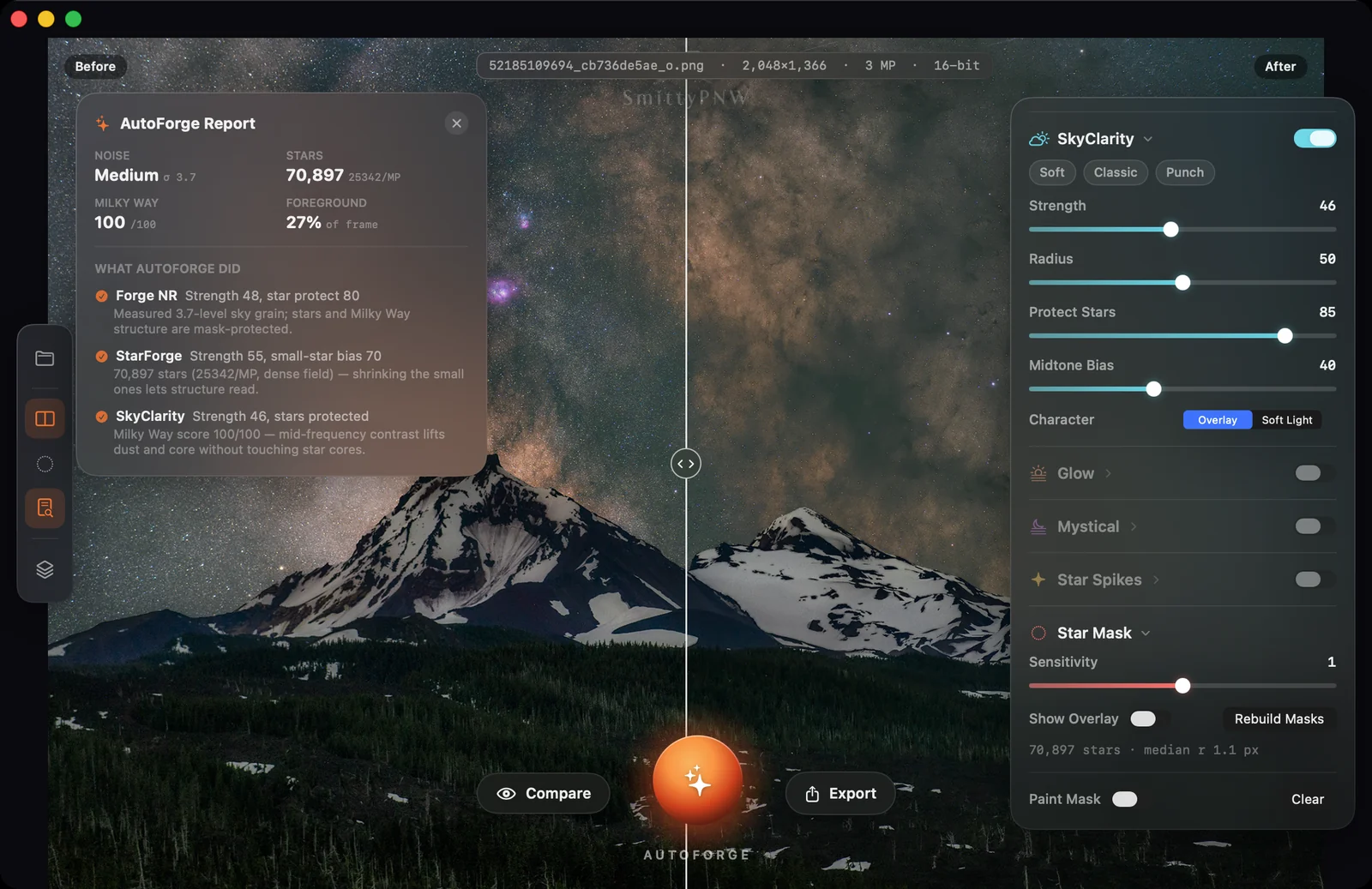
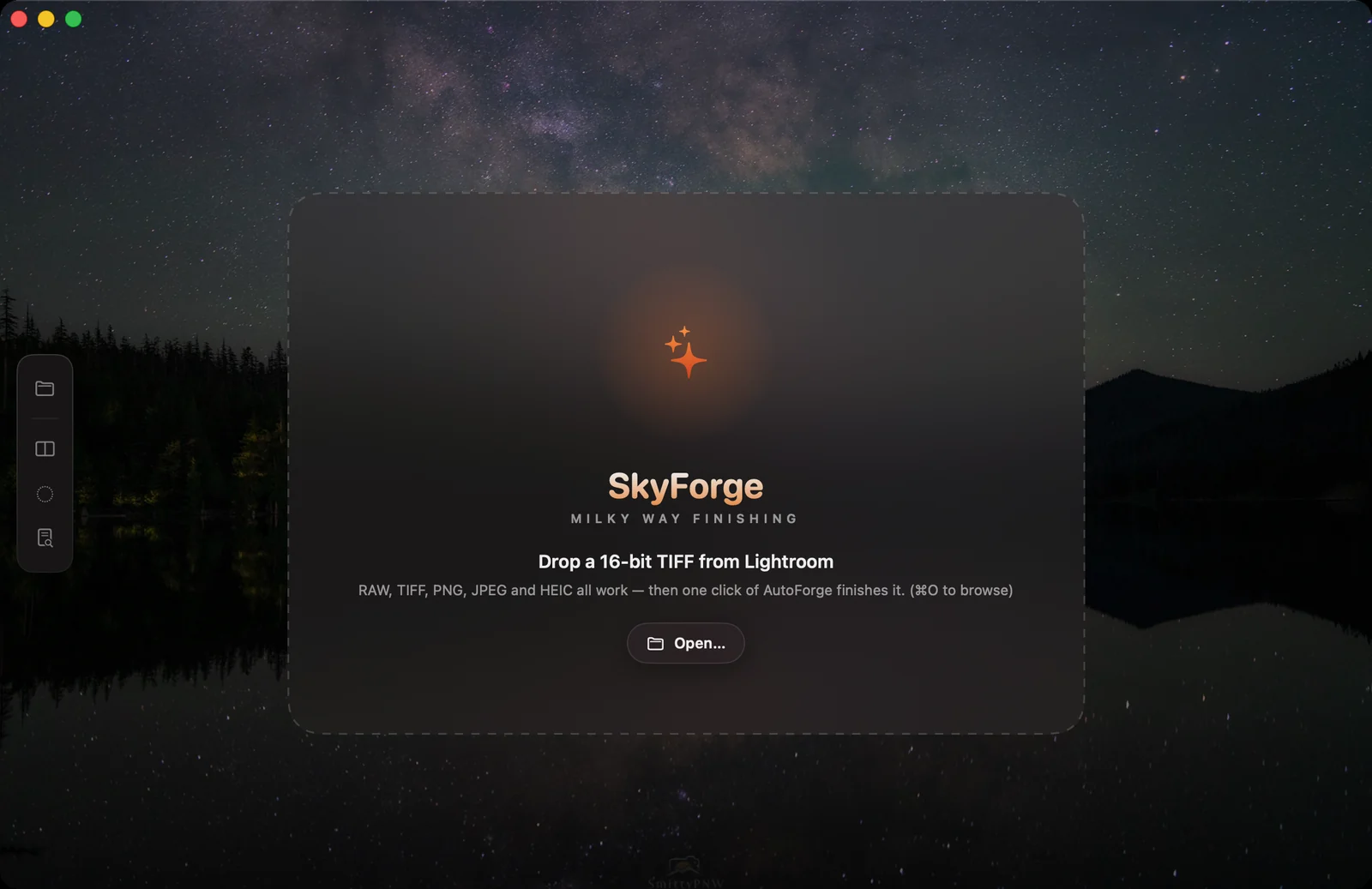
The finishing pass for iPhone, iPad, and Mac that comes after your base edit: star-safe noise reduction, multi-scale star reduction, dust-lane contrast, and physically-grounded diffraction spikes.
One click measures noise at native resolution, star density, Milky Way structure, and foreground share, then applies a tailored finish and explains every strength it chose.
Star-safe noise reduction: guided-filter luma NR with soft-threshold residual shrinkage, blotch suppression, shadow bias, and chroma NR, all under star and structure protection masks.
Multi-scale star reduction. Small stars shrink so galactic structure reads, bright anchors stay protected, and there are no dark rings or grey stars.
Star-protected mid-frequency contrast that lifts dust lanes and the core without touching star cores. Overlay or Soft Light character.
Soft Focus, Glow, Orton and Orton Soft radiance, plus a dreamy light-prioritised mode with contrast, saturation, and black-point control.
Newtonian cross, hex and spider for JWST character, 8-blade, and an 18-ray 9-blade sunstar — with brightness-scaled length, diffraction banding, and chromatic dispersion, targeted by star size class.
On Apple Silicon at 24 MP: full analysis around a second, Forge NR about 1.1s, StarForge about 0.3s, SkyClarity about 0.4s.
A planar Float32 RGB pipeline with BT.709 luma and chroma processing on Accelerate, fully offline, App-Sandbox friendly, with ICC profiles preserved throughout.
SkyForge is available on the App Store for iPhone, iPad, and Mac. One purchase covers all three platforms.
View on the App Store Available now
SkyForge is an iPhone, iPad, and Mac app for finishing astrophotography and nightscape images. It is built around local files, local processing, and user control.
SkyForge opens only the files you choose. Analysis, every module, and export all run on your device. The app works fully offline and does not upload your images anywhere.
SkyForge does not collect personal data, create accounts, track you across apps or websites, or include advertising or analytics SDKs.
The app may store local preferences and security-scoped bookmarks so it can reopen files you selected. Exported images go only where you choose to save them.
For privacy questions, contact support@shutterscoutapp.com.
SkyForge is the finishing pass that comes after your base edit — not a RAW developer and not a stacking suite. This page covers getting the best result from it.
Export 16-bit TIFF for your archive and JPEG for publishing. ICC colour profiles are preserved end to end.
Email support@shutterscoutapp.com with your device model, operating-system version, source file type, and a short description of what you saw.
SkyForge does not use a separate custom license. It is offered under Apple’s Licensed Application End User License Agreement.
Read Apple’s Standard EULA